Your School Website, Always Ready: Introducing the Schudio AI Suite
Your School Website, Always Ready: Introducing the Schudio AI Suite
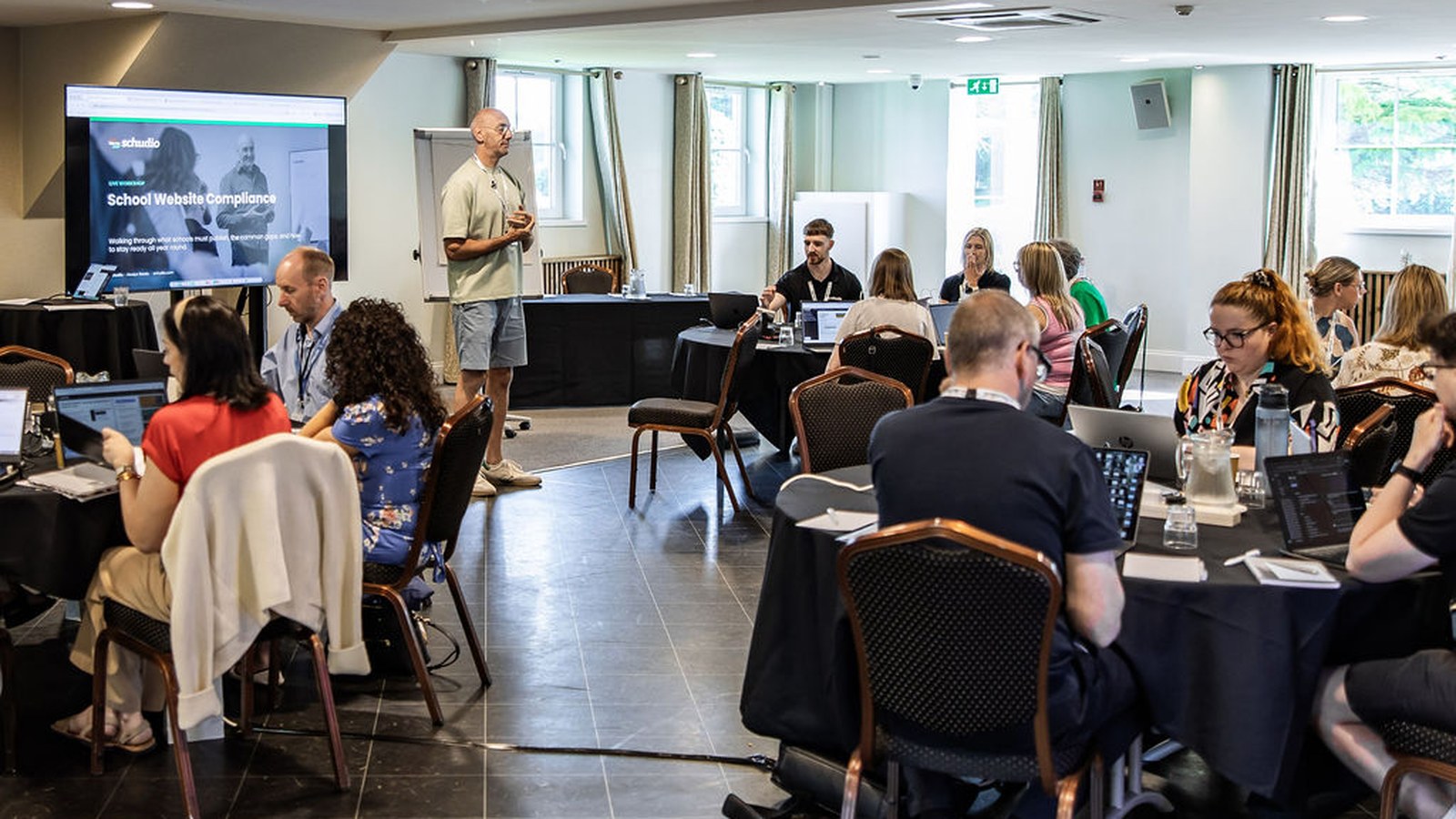
From this autumn, schools on the Schudio CMS can use the Schudio AI Suite. It checks your school website against what schools are expected to publish, helps your team write pages in your school’s own voice, and answers parents’ questions from your own content. It is built into the system you already sign in to every week: no separate login, nothing to install, nothing new to learn.
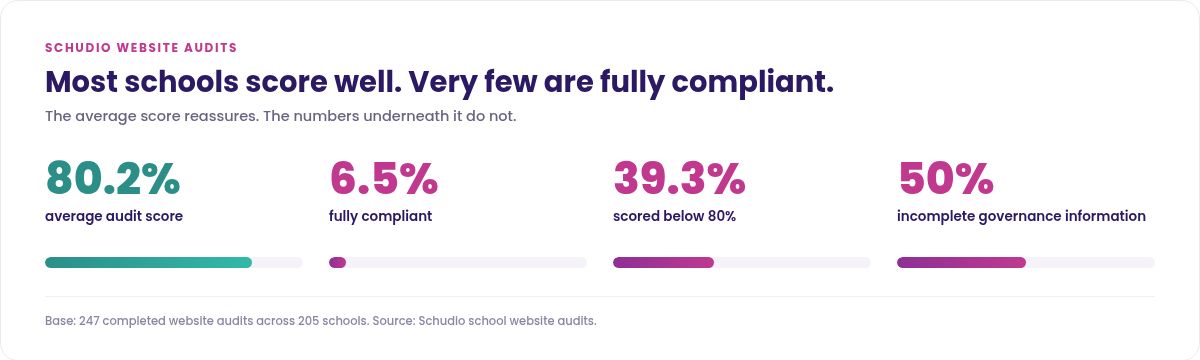
We built it because of a number. Last year we ran 247 website audits across 205 schools. The average score was 80.2 per cent, which sounds fine until you see the rest. Only 6.5 per cent were fully compliant. Nearly four in ten scored below 80 per cent. Governance information, the most commonly missed area, was incomplete in half of them.
The aim is a school website that stays ready all year, rather than one rescued a fortnight before an inspection. Every supplier in education is talking about AI, and most of it is noise, so this is the straightforward version: what the AI tools do, what they refuse to do, what happens to your data, what the guidance says, and what to ask a supplier who claims their AI handles compliance for you.
Why we built AI into our school website software
What a decade of auditing school websites shows
Those audits covered 24 compliance areas across primary and secondary schools, academies and maintained schools. These are not careless schools. Every one cared, and most had done the work properly at some point, usually when the site was built.
The gaps were rarely dramatic. A governance page listing last year’s trustees. A pupil premium statement for the wrong year. A SEND page that no longer matched its policy. Individually small, collectively the difference between compliant school websites and an awkward conversation.
Compliance is a maintenance problem, not a publishing one
School websites do not usually fail at the point of publishing. They fail slowly, afterwards.
Somebody writes a good SEND page in 2023. The SENCO changes in 2024. The policy is updated in 2025 but the page describing it is not. Nobody decided to let it drift. It drifted because checking every page, every term, forever, lands on someone who already has a full job.
That is the problem worth pointing AI at. Not writing your prospectus. Noticing, in September, that the page you last touched in 2023 is still there. We set out the wider picture in our report on the state of school website compliance.
What AI school website software actually does
Three jobs, in the order they matter to schools rather than the order that demos best.
It checks what you publish
The Suite reviews your site against what schools are expected to publish and flags anything missing, thin or out of date. It audits wider content for gaps, suggests improvements page by page, and picks out content that has quietly aged.
It is built on the same requirements work behind our school website audits, our School Website Requirements guide and the free compliance workshop we run monthly. Not a generic checklist bought in and pointed at school websites afterwards.
It helps your team write
The content tools draft new page content in your school’s established tone and style, and improve, shorten or expand what is already there without flattening it into generic AI English.
They can do that because they have read your existing school website, so what comes back sounds like your school rather than every other school. A tone check means a page written by new staff in October still reads like the pages written in June.
In practice it is one button on the page you are editing. It works inside your own page templates and drafts the introduction, the content and the SEO description together, all editable before anything goes live.
It answers questions from parents
The AI chatbot answers visitors’ questions using only approved information from your own site. When it does not know, it says so and points them to the school office.
It does not improvise on admissions, term dates, safeguarding or SEND. Those are the subjects where a confident wrong answer does real damage, so it says nothing rather than guess. We explained the thinking when we introduced the Schudio Teaching Assistant.
How it fits the system you already have
This is the part suppliers skip. These are not a separate product with its own login, training and bill.
They work inside your existing page templates, so a curriculum page drafted with help lands in the same layout, on the same hosting, with the same navigation. Your templates do not change, your hosting does not change, and your sign in stays where it was. A parent portal for logins, payments or reports sits outside the website, and these tools do not reach into it.
Most AI disappointment in education comes from tools that live somewhere else, so nobody opens them. A tool on the page you were editing anyway gets used, and that is what will save you time.
What it does not do
This matters more than the feature list, so I will be blunt.
It does not publish anything
Every draft, suggestion and flag goes to a person on your team to approve or ignore. If nobody clicks, nothing happens. No setting lets these tools change your live site on their own, and we are not planning to build one.
It does not make your school website compliant
It highlights what may be missing. A person still reads it, decides whether it is right for your school, and acts. Any supplier telling you their AI guarantees compliance is telling you something they cannot stand behind. What it removes is the not knowing, which is most of the difficulty.
It does not write lesson plans or classroom resources
These are website tools, not teaching tools. They do not write lesson plans, they do not produce educational resources for the classroom, and they have nothing to do with marking or assessment. Education has a separate market of AI for teachers, full of educational resources and plenty of educators using them well. Ours is pointed at school websites, a narrower job and a more neglected one.
It does not replace anybody
The same people get further in the same time. Nobody needs fewer staff, and I would be wary of a supplier who suggests otherwise to a school under budget pressure.
It does not invent things about your school
The chatbot answers from your own content or not at all. The writing tools draft from your own pages. Neither reaches out to the open internet to fill a gap with something plausible.
Where AI for school websites helps most
The demos always show a blank page being filled. That is the least interesting part. Here is where AI for school websites gives school leaders time back.
The pages nobody owns
Every school site has them. Governance, pupil premium, PE and sport premium, the accessibility plan, careers information in a secondary. Subject and faculty pages drift the same way, and so do school policies, because the document is updated somewhere else and the website is the last to hear. None of it is fun, all of it is inspected, and none of it is well served by a blank template.
Admissions and the questions parents ask at 9pm
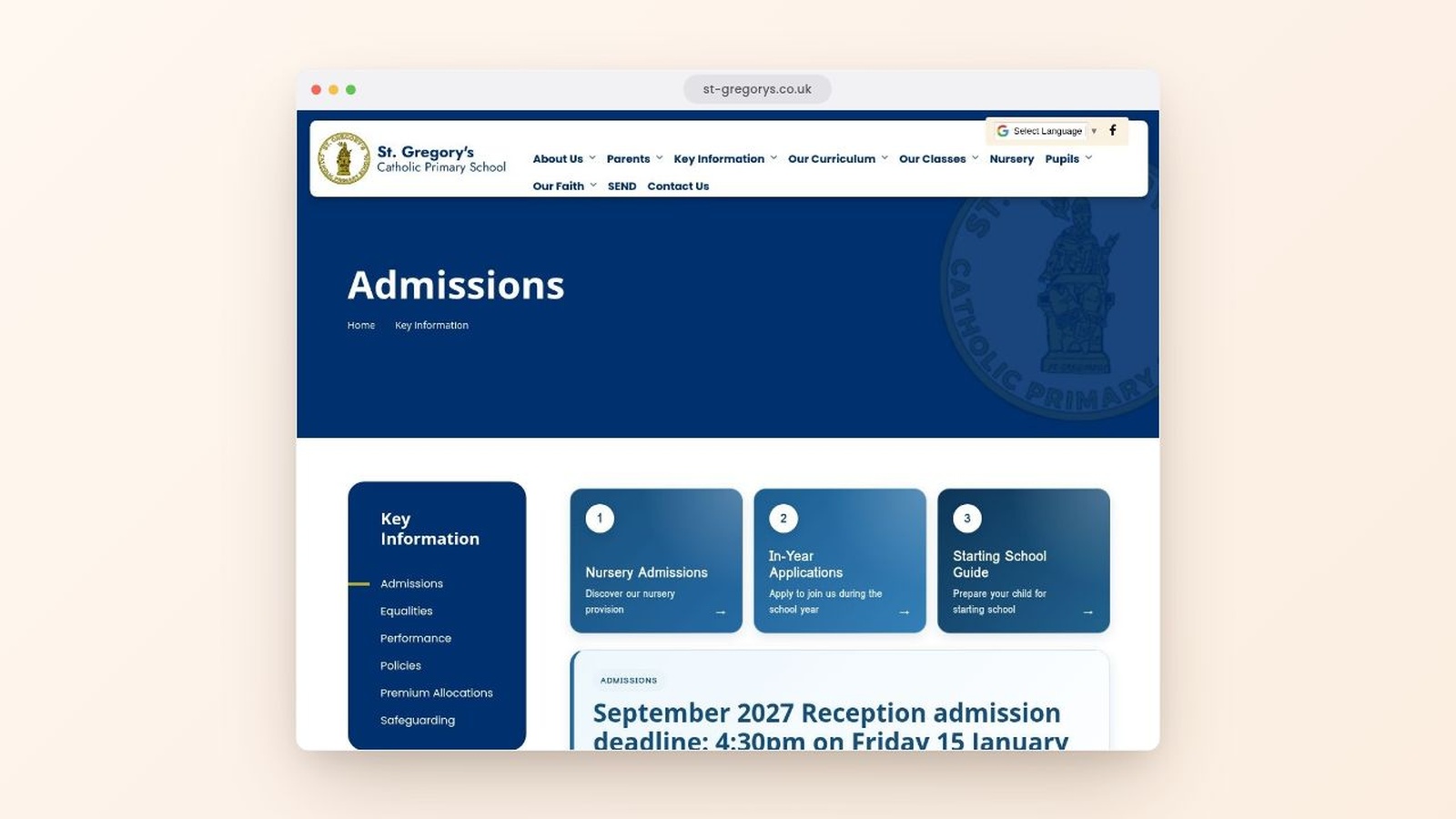
Admissions pages carry more traffic than anything else on a primary school website in January, and most of the questions parents ask are the same eight. An AI chatbot grounded in your own admissions pages answers parents when they are asking, usually long after the office has closed.
The same applies to students weighing up a secondary or a sixth form college. Students and families compare three or four school websites in an evening, and the site that answers them is the one they remember. They ask about uniform, buses and the school day, which is what a college admissions page should provide information about. Our guide to structuring an admissions page covers the rest.
School news, events and event calendars
School news and events pages are how your community keeps up, the most visited part of most school websites after admissions, and the first to look neglected when a term gets busy. A site whose latest news item is from last February is not engaging, and it tells a visiting family something you did not mean to say. Event calendars go stale the same way, and so do class blogs, sports fixtures, videos and the page listing this year’s clubs and events.
Photos and videos of school life are what parents look at, and blogs written by a class beat any prospectus paragraph. Drafting engaging content for events from a few notes takes minutes rather than an afternoon, which is usually the difference between it happening and not happening. We looked at how often school news should be published.
Parent communication that does not eat a morning
Newsletters, event write ups, a line about a trip, a note home about a change to the day. Nobody became a school business manager for these administrative tasks, and they are the first thing to slip in a busy week. Drafting them in your school’s own voice takes the blank page away without taking the judgement away.
School communication is a volume problem rather than a writing problem. Schools know what they want to say to their school community. Sharing information on time is the hard part, and that is where these tools will save you a morning a week.

What happens to your student data
School leaders who have read the ICO guidance will want this answered before the feature list, and rightly so.
What we send, and what we do not
The AI tools work on your website content: page text, headings, the things you have already chosen to publish to the world. They do not touch your MIS, they are not connected to pupil or student records, they hold no data about students, and they are not designed to process special category data.
If you would not put it on a public page, it should not be on the website at all. Your parent portal, payments system and safeguarding records sit outside this entirely.
What the guidance actually says
Your school or college remains the data controller, whatever a supplier’s AI does. The Department for Education’s policy paper on generative artificial intelligence in education, last updated in August 2025, puts it plainly: “The quality and content of any final documents remains the responsibility of the professional who produced it and the organisation they belong to, regardless of the tools or resources used.” It also recommends that personal data is not put into generative AI tools at all.
The gap is not awareness, it is paperwork. DfE’s Technology in Schools Survey for 2024 to 2025, published in November 2025, found 44 per cent of teachers had used generative AI for school activities, while only around a fifth of schools had a policy on safe and appropriate use: 20 per cent of primary schools and 34 per cent of secondary schools. Context matters here. Teachers are already using it, whether or not the school has decided anything.
So: know what personal data about staff and students is involved, say so in your privacy notice, keep a named person accountable, and tell your governors what you have decided.
Why the chatbot only reads your own school site
Restricting the chatbot to approved content is a safeguarding decision as much as an accuracy one. A general purpose assistant let loose on school websites can be led into saying things no school would publish, which is why ours will only serve an answer it can point at. We have written separately about AI risks around pupil photos and child protection, the other side of the same duty of care.

How to judge an AI claim from a website supplier
Education is going to get loud about AI solutions for school websites this year. These are the questions I would ask, including of us.
Can it publish without a human?
If the answer is yes, ask why they thought that was a good idea for a school. Automated publishing is a feature that only benefits the supplier’s demo.
Where does the chatbot get its answers?
If the answer is not “only from the school’s own approved content”, it can invent, and eventually it will. Ask what happens when it does not know.
What data leaves the school, and who is the controller?
Ask specifically about student data and pupil records, not just “data”. Ask where any AI application processes your content, who can see it, and whether they act as controller or processor. That last one matters: when the ICO audited 28 edtech providers and published its findings in June 2026, it found providers commonly failed to identify that role correctly, particularly where children’s data fed product development or AI training.
Do they meet DfE’s product safety standards?
DfE publishes standards for generative AI products used in education, updated in January 2026. They cover filtering harmful content, activity logging, security against misuse, a data protection impact assessment, compliance with the ICO’s Children’s code, and not using learner data for model training without a lawful basis. It is a free, public document and a fair thing to hold any supplier to, us included.
What does it cost, and what is genuinely free?
Ask whether the AI features are included, an add on, or a price rise at renewal dressed up as an upgrade. Free trials are fine. A free trial that quietly becomes a line on next year’s invoice is not.
Common mistakes to avoid
We have watched schools use AI tools on their school websites well and badly for a couple of years. There are plenty of top tips articles about it. This is just where the failures cluster.
Treating a draft as finished
The whole model depends on somebody reading it. A page that goes live unread will eventually embarrass you, and it will pick the page you care most about to do it on.
Letting it write your headteacher’s welcome
Some pages are supposed to sound like a person. Use these tools for the pupil premium statement, not the paragraph where a parent decides whether they like you. The same goes for your vision and values, and anything promoting the school to a new audience. Know that audience and write those pages yourself.
Assuming a flag is an instruction
A compliance flag is a prompt to look, not a verdict. Sometimes the page is fine and the tool is wrong. Your professional judgement is the point of the design, not a workaround for it.
Using a general AI tool on school content
A public chatbot has never read your site, does not know your tone, and has no idea what a maintained school must publish. It cannot tell you your SEND page has not been touched in two years, or that the information for students is a year out of date. It will happily invent a term date.
Not telling teachers what it is not for
A teacher early in their career hears “AI” and assumes marking or lesson planning, and you will spend a term correcting that. Be specific: it will assist with the website, inside your existing templates, so subject pages, a head of faculty updating a curriculum overview, the trip write up nobody has time for.
Switching everything on for everybody at once
Start with the two people who maintain the site most often and give them a fortnight to find the three things that genuinely save time. Their feedback is worth more than any feature list, and two confident users are a solid foundation for the rest. Adoption problems are almost always training problems wearing a different hat.
A checklist before you switch AI tools on
Short, and worth ten minutes with your leadership team before anyone starts drafting.
- Agree who approves AI drafted content before it goes live, by name and not by role.
- Decide which pages are off limits and write that down. The headteacher’s welcome and your vision and values usually belong on that list.
- Check your acceptable use and data protection policies still describe what you are about to do, and update your privacy notice.
- Run the compliance check once across the whole school website before you change anything, so you have a baseline.
- Pick the two or three pages you know have drifted and focus there rather than everywhere.
- Tell governors. It is a five line update that saves a much longer conversation later.
What is coming next
SEO recommendations and accessibility recommendations are both in development. You will see them in the CMS marked as coming soon, free to explore, and when they arrive they are part of the Suite at no extra cost. I am not putting a date on them, because I would rather ship them properly than to a deadline. If a supplier is giving you firm dates for AI features that do not exist yet, that is worth noticing too.
How to get it
If you are already with us, the AI Suite is an optional add on in your CMS dashboard, and our support team can switch it on. Your renewal price does not change: it is a new option, not an increase.
If you are looking at a new website, it is included as standard in what we quote. Our school website software is now an AI powered platform rather than a CMS with a feature bolted to the side. The design, the templates, the hosting and the support are the same as they have always been.
If you run a trust, the same tools sit on every school site and your central team sees it all in one place through the MAT Portal. There is more on our page for multi academy trusts, and we looked recently at how trusts reduce compliance risk across their schools.
If you would rather see it working first, that is the sensible way round. Get in touch through our contact page and we will explore it on real school websites rather than a demo built to flatter the software.
Frequently asked questions
Will AI make our school website compliant?
No, and be careful with anyone who says theirs will. It reviews your site against what schools are expected to publish and flags what looks missing or out of date. A person decides.
Will Ofsted expect us to use AI?
No. Ofsted’s statement on how it looks at AI during inspection, updated in October 2025, says it does not evaluate AI as a stand alone part of inspection and does not “expect or require providers to use AI in a certain way, or to use it at all”. Use it because it saves your team time, not because an inspector wants to see it.
Is AI a game changer for school websites?
Not in the way the phrase usually gets used. AI for school websites does not change what a school must publish, or who is accountable. It changes how long the maintenance takes. If it does not save your team real hours, it is not worth the money to you.
Does the content sound like AI wrote it?
It is drafted from your existing pages and your own templates, so it starts in your school’s tone rather than generic AI English. It is still a draft, and it still wants a human read before it goes live.
Is our student data used to train anything?
The tools work on your published website content, not on pupil records. They are not connected to your MIS and are not designed to process special category data.
Can it help with photos and videos?
It writes the words around them. Videos and images still come from your school, and someone still has to check they are appropriate to use, especially where students appear. It will prompt you when a page is missing a description or alt text.
Is there a free version?
No, and I would rather say so plainly than bury it. The Suite is an optional paid add on for existing clients, and included in new website quotes. Genuinely free are the monthly workshop and the requirements guide, and you can use both without buying anything from us.
Will it work with our parent portal and our other systems?
It does not need to. These tools work on your website content only, so your parent portal, MIS and payments system carry on exactly as they are. Nothing is asked of your students or staff.
Does it work for a primary school as well as a secondary?
Yes. A primary school, a secondary, an academy or a college all serve the same problem: too many pages, too few hours, and students and parents asking the same questions. If anything a small primary gets more from it, because the person maintaining the site is usually the person doing three other jobs.

Related Posts
Ian Richardson
June 24, 2026
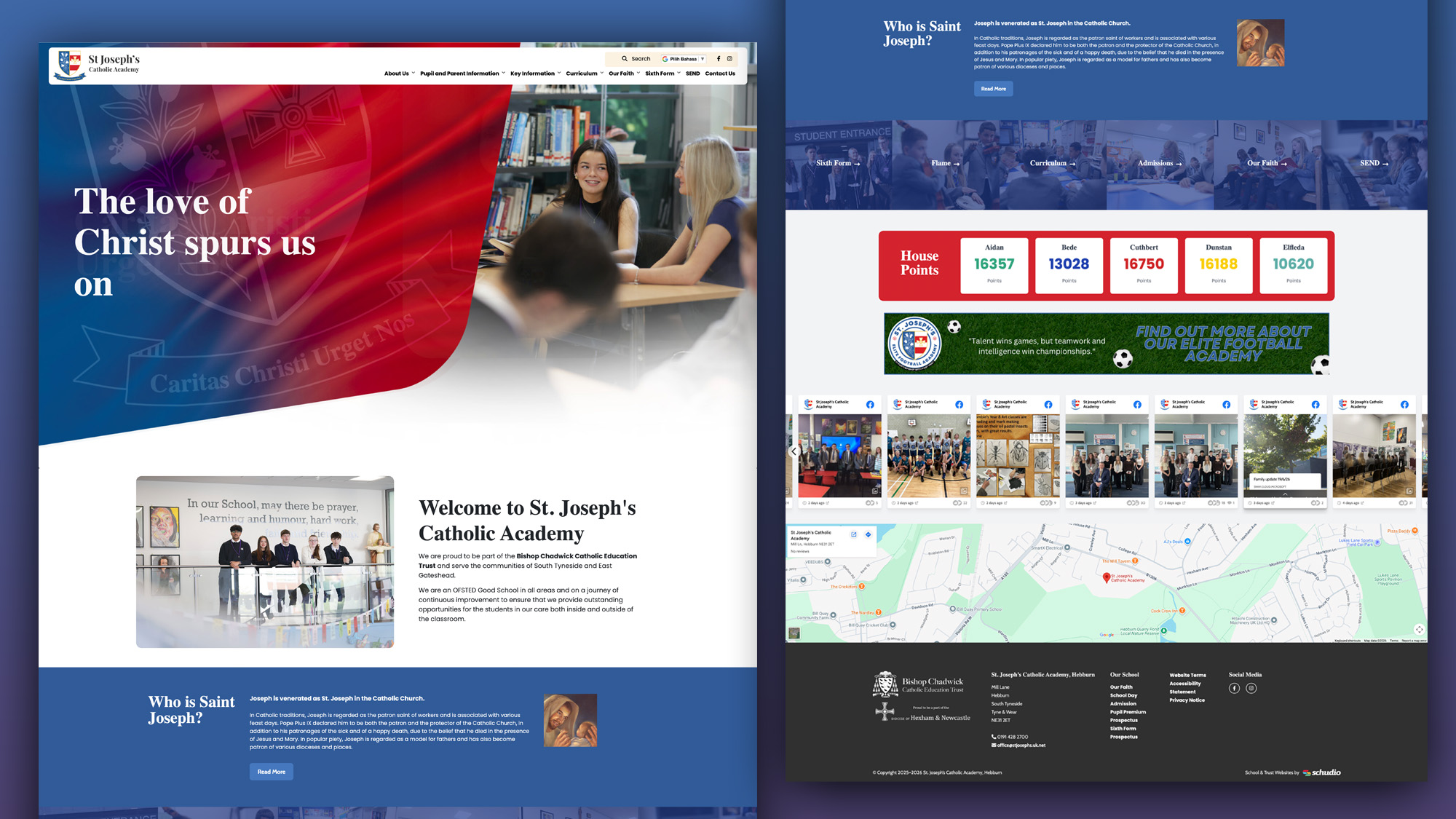
A school website says a lot before a parent reads a full page. Parents make ..
Luke Smith
June 24, 2026
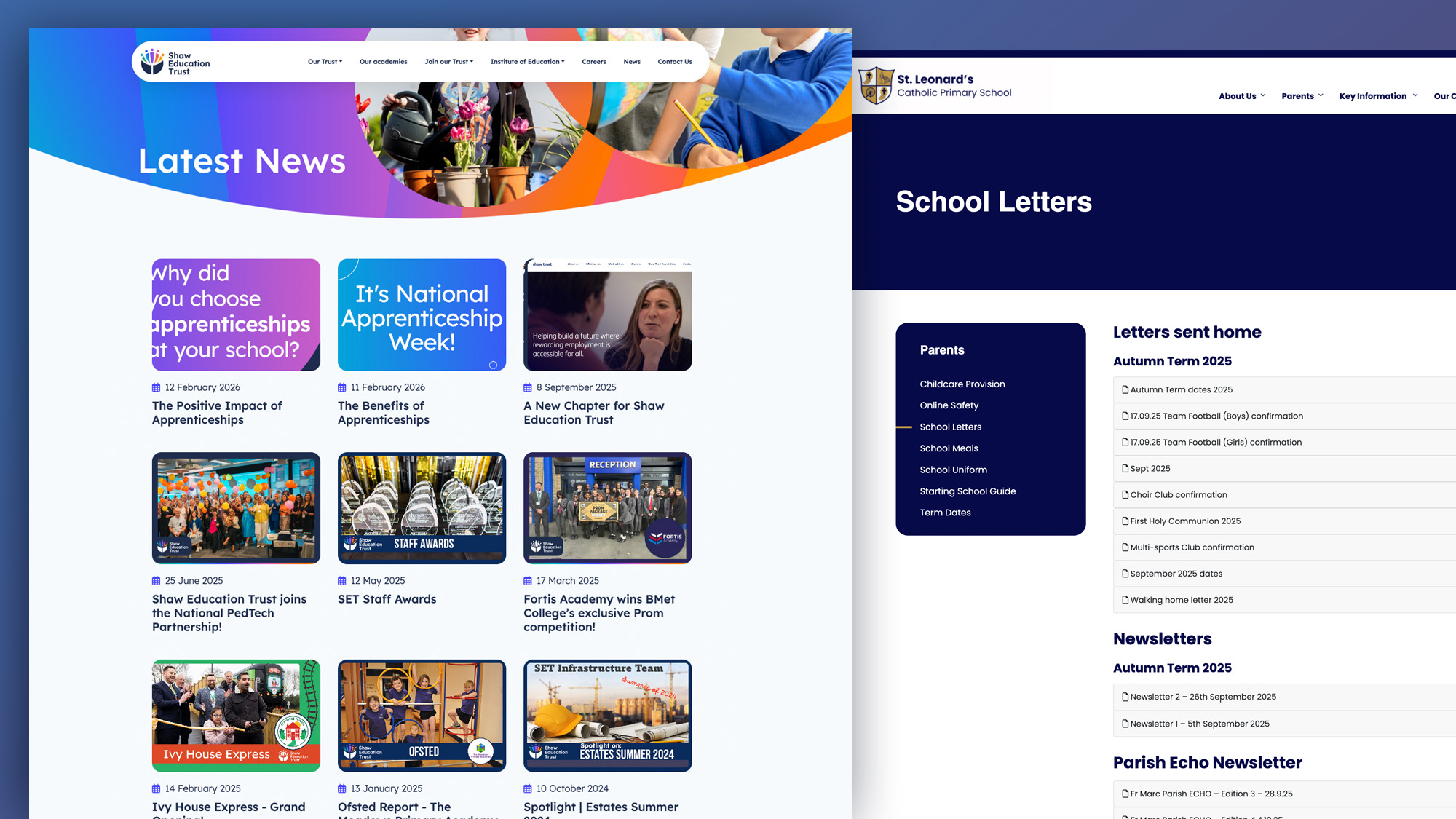
School website news is one of the easiest ways to show parents, pupils and prospective ..
Luke Smith
June 17, 2026
A school website newsletter is one of the simplest ways to keep parents informed, make ..
Luke Smith
June 8, 2026
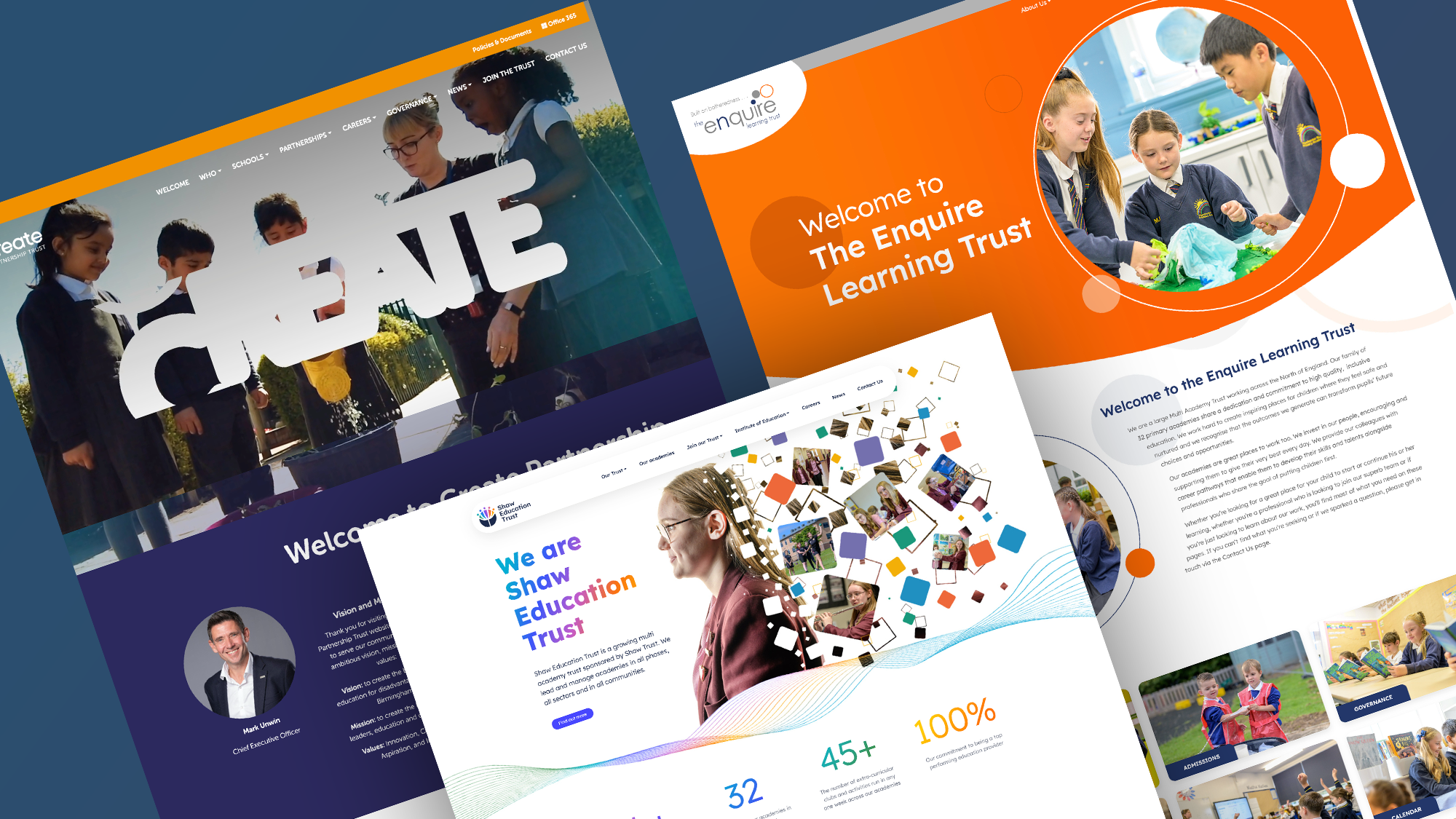
Good school communication makes a real difference. It helps parents know what is happening. It ..

Luke Smith
May 13, 2026
School website pupil photos have always played an important role. They help prospective parents see ..
Ian Richardson
May 12, 2026
Your website is one of the most valuable student recruitment tools your school has. For ..