
Get your Schudio App Set Up
On this page
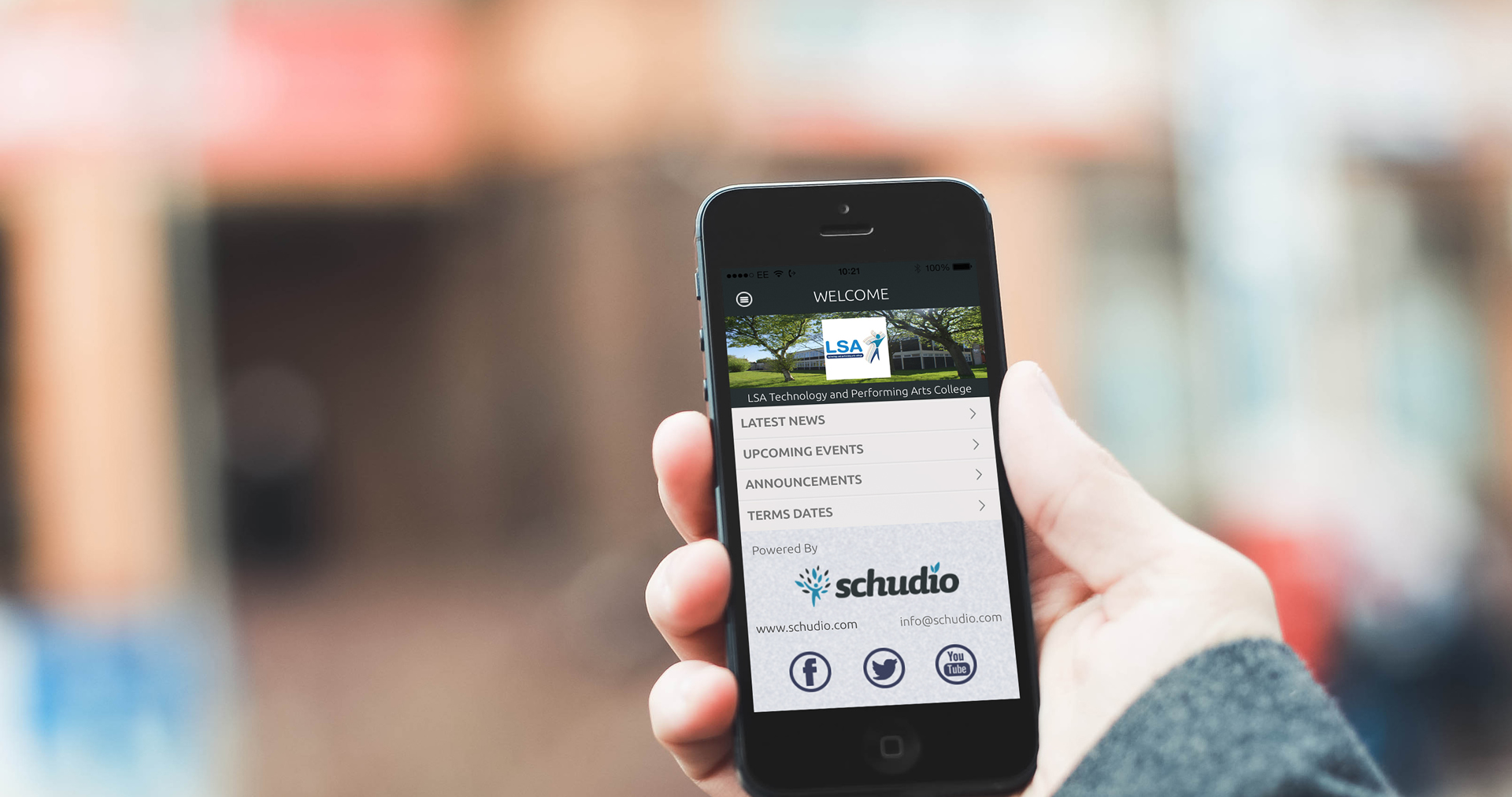
The Schudio Free School App is a great tool to get started with improving parental engagement at school.
We have tried to make this as easy as possible and over the coming weeks we will be working on making it simpler still.
To give you a little head start though, here are the key things that you need to do to get your free Schudio School App up and running and looking great.
1/ SIGN UP
Simply go to the app sign up page and enter your details. If you get stuck on what to put in ‘URL’, just put your school name with no spaces in there.
Once you have submitted and we have activated your account you will receive an email with some instructions.
2/ CHECK THE ACTIVATION EMAIL
The activation email will give you instructions on what to do next but it is important to add all your details because you will need these to set up your app fully. There are just a few steps to follow before your school will appear in the app but it should only take a few minutes.
3/ ADD YOUR SETTINGS TO GET UP AND RUNNING
This is the really important bit because if you don’t complete the
Go to Settings >> Settings
IMPORTANT – Complete all your contact details
Click the Mobile App tab
Upload your logo (jpg please!)
Upload a background image (jpg again please – and landscape)
Complete the About Us section
Click Update
By following these few steps you will be up and running no time at all. If you get stuck were happy to help. If you’d rather not do it at all, just ask us. There’s a small fee for us to do the setup for you but it won’t take long and you’ll be away.

Written by the team at Schudio
We are an owner-run firm in Blackpool, and have been since 2011. We build school and multi-academy-trust websites, the software behind them, and the compliance work that keeps them right. Our posts come out of the audits we run, so they say what we actually see.
A question about this post? Email hi@schudio.com and a real person will answer.
Keep reading

Always Ready
Want your website looked at properly?
Tell us what your site is like to keep up to date at the moment, and we will give you a straight answer on what would help.
Prefer a short email once a week? Get the Schudio newsletter.