Apps We Love – Diigo
Apps We Love – Diigo
About Diigo
Diigo is primarily a cloud based bookmarking service. Bookmarks can be collected from a variety of different websites and stored within your account to access later, and because the Diigo service is cloud based, you can access these bookmarks from any computer in the world anywhere in the world – as long as you have internet access.
Using Diigo
Websites and content can be added into Diigo on a desktop by using their browser extensions or the diigolet (a javascript bookmark) and on iOS and Android through the Diigo apps.
When activating Diigo to save some content there are a number of different options available.
Highlight – Highlight some of the content within the page for reference
Bookmark – Add a bookmark to your account for reference
Sticky Note – Add a note related to content for reference
Read Later – Mark the webpage to be read later
Share – Share the webpage through social media or email
As this different content is added to your Diigo account you can mark it with tags to categorise and separate out your content.
Diigo In Education
One of the potentially really useful abilities of Diigo in an education setting is for collaboration, and even sharing resources and links between students and teachers.
When saving content to your Diigo account there are a number of different options, first is to make it public/private. Public content can be viewed by the whole Diigo community by searching for the tags you have defined the website with.
The other option is to share the content to a group. Groups could be setup for different departments, or year groups to be shared between teachers. Alternatively a group could be setup for an individual class to be shared between students and teachers, with both students and teachers able to add new content to be reviewed and referenced. It could also be really useful for students who are working on a project together, they can do the research independently, but together – highlighting different content from the same pages with their own shared notes.
Getting Diigo
The first thing to do is to sign up for a Diigo account, which you can do here.
Diigo is available to download here for the desktop and on the iOS App store, and google play store.
There is a free tier of Diigo available alongside the paid options. Why not give Diigo a try and see what you think. There are lots of different tools like this available and because there’s so much choice finding one that works for you and your school should be possible.

Related Posts
Ian Richardson
September 15, 2016
Ok, so strictly speaking Innovate My School isn't an App but if you count really useful ..
Ian Richardson
December 14, 2015
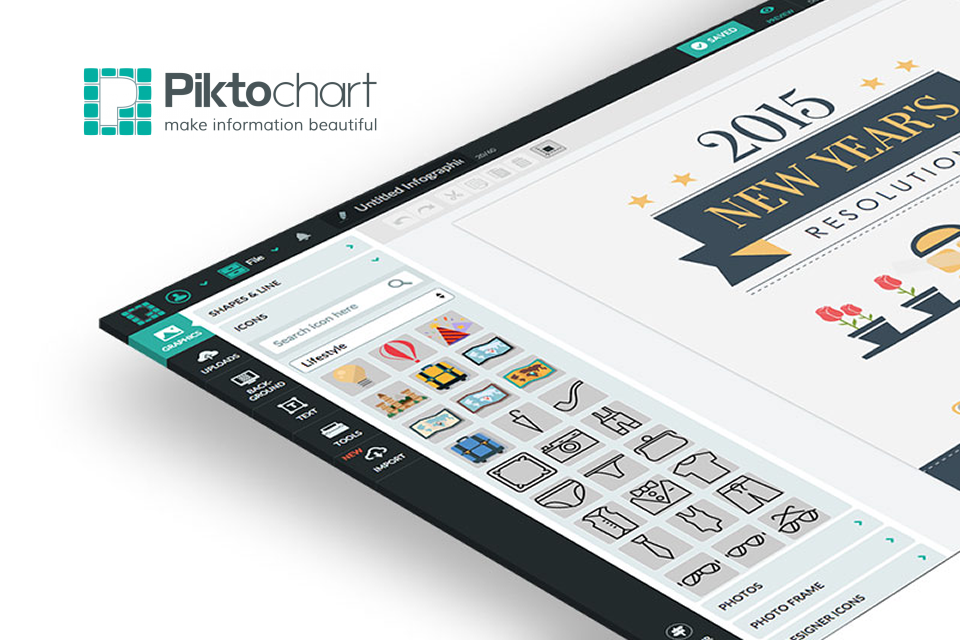
Infographics are very brilliant. They are a beautiful, easy to use tool for communicating lots ..
Ian Richardson
December 2, 2015
Explain Everything Explain everything is a fantastic app available on iOS, Android and Windows. The ..

Ian Richardson
November 11, 2015
Every so often I come across something that I think is just awesome and really useful. ..
Ian Richardson
September 28, 2015
What is Scratch Jr. Scratch Jr. takes it's cue from the much loved web app ..
Ian Richardson
September 1, 2015
I've written about TED before but things have changed! I've been thinking for a little ..