Why a School Website Newsletter Works Better Than Long Email Updates
Why a School Website Newsletter Works Better Than Long Email Updates
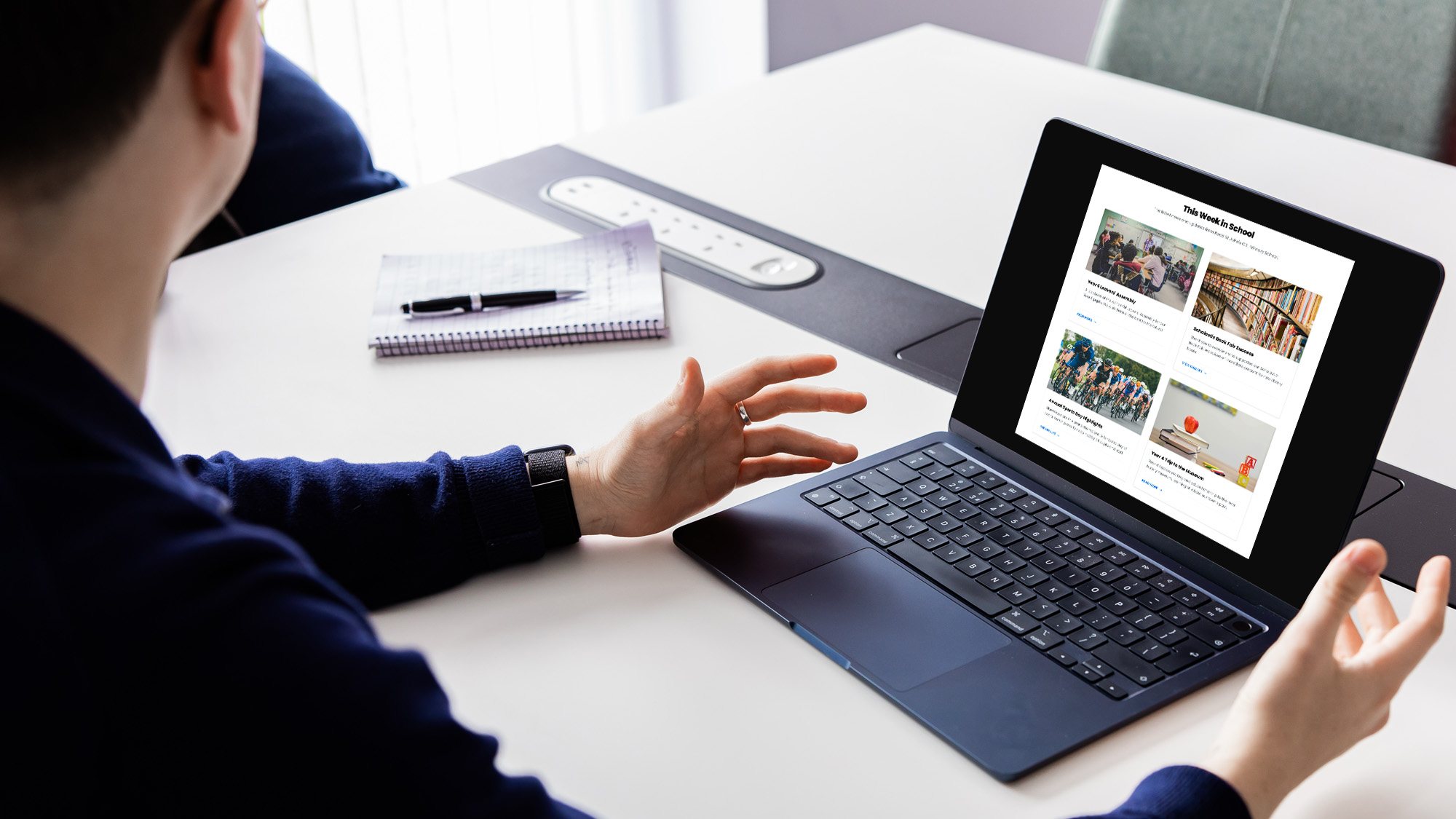
A school website newsletter is one of the simplest ways to keep parents informed, make key updates easier to find and help the wider school community see what is happening across school life.
Newsletters have always been useful. They help schools share important information, celebrate pupils, promote upcoming events, remind families about trips and show the active, fun, caring side of the school.
But the way a school newsletter is shared makes a big difference.
Many schools still send long email updates or attach newsletters as PDFs. That can work, but it often makes information harder to read, harder to search and harder to find later.
A better approach is to publish the newsletter on the school website.
Then email, social media, apps and text messages can link back to the school website newsletter. This keeps the website as the central place for important information and makes each update easier to manage.
What is a school website newsletter?
A school website newsletter is a regular newsletter published directly on the school website.
It may be created as a news post, blog post, newsletter page or website content section. The main purpose is to give parents one clear place to read the latest school newsletters without hunting through emails, app messages or social media posts.
The school can still send a short email. It can still share a link on Facebook, add a reminder through an app or include the newsletter in a Google Search result over time. The key difference is that the full newsletter lives on the website.
This means parents can return to it later. Staff can update it in one place. Prospective families can see what is happening in the school community. Other schools in a trust can follow the same process for a more consistent approach.
Why long email newsletters are harder to use
Long emails often feel useful when they are sent.
All the information is included. The message has gone out. Parents have received it.
But parents are busy. Many will read school communication on a phone, often while managing work, children, meals, clubs, homework and daily family life.
If a newsletter is too long, key messages are easy to miss.
Parents may forget which email contained the right date. They may search their inbox later and struggle to find the update. They may miss a link. They may open the message on a mobile device and give up if it is too dense.
A school website newsletter is easier to scan, easier to share and easier to revisit.
Website newsletters work better on mobile
A school newsletter needs to be mobile friendly.
Parents increasingly read website content on phones, and the practical point for schools is simple: if the newsletter is hard to read on a phone, many families will miss key information.
A mobile friendly school website newsletter can use:
- clear headings
- short paragraphs
- buttons
- links
- images
- embedded videos
- quickfire interviews
- event links
- simple calls to action
- three or four key topics
Short paragraphs and quickfire interviews can keep content concise. This helps parents read the newsletter quickly and still feel connected to school life.
Keep newsletters concise
Effective school newsletters need visual appeal and concise content.
A good rule is to limit each newsletter to three or four main topics. This avoids overwhelming parents and helps each issue feel focused.
For example, a monthly newsletter might include:
- a headteacher message
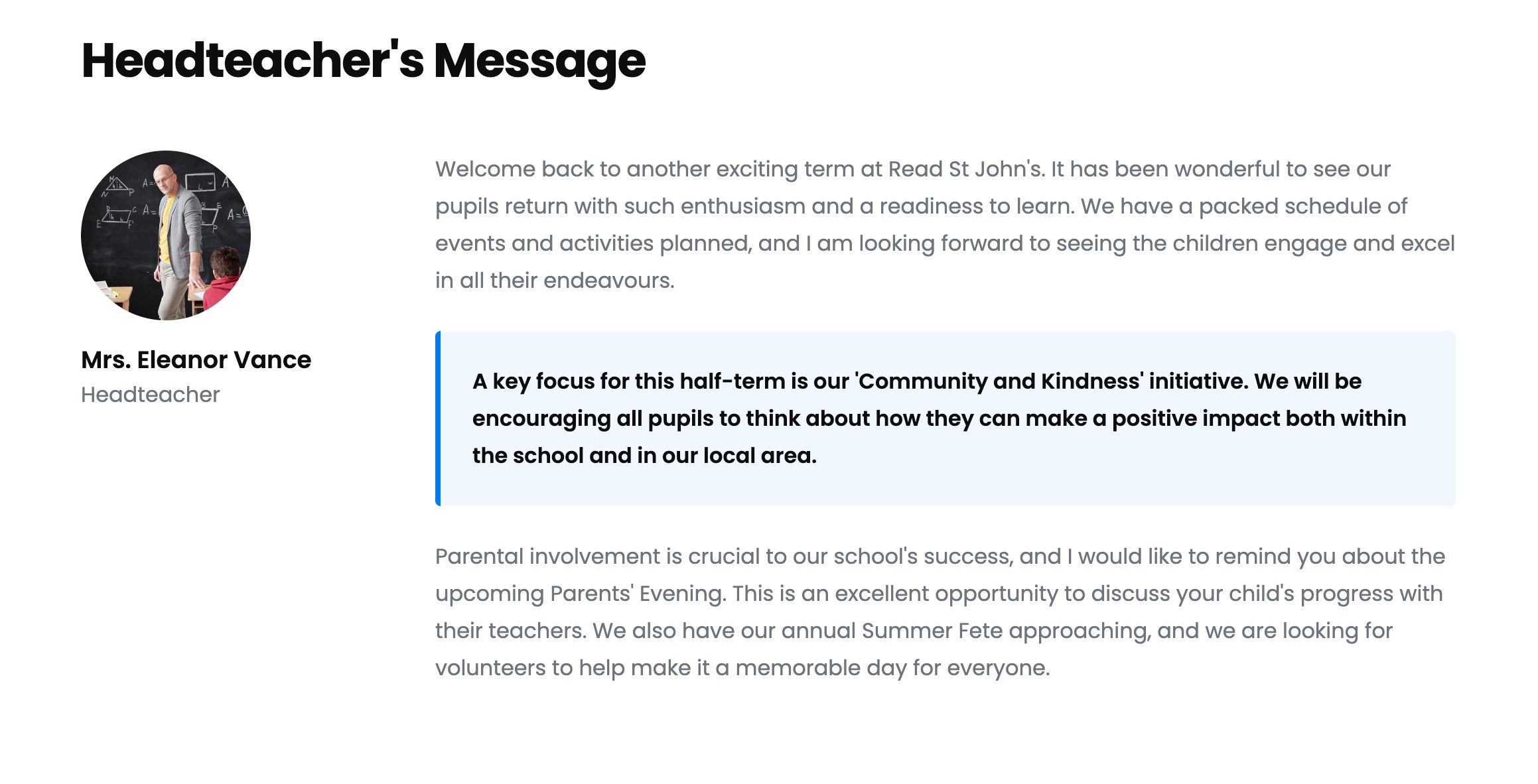
- upcoming events
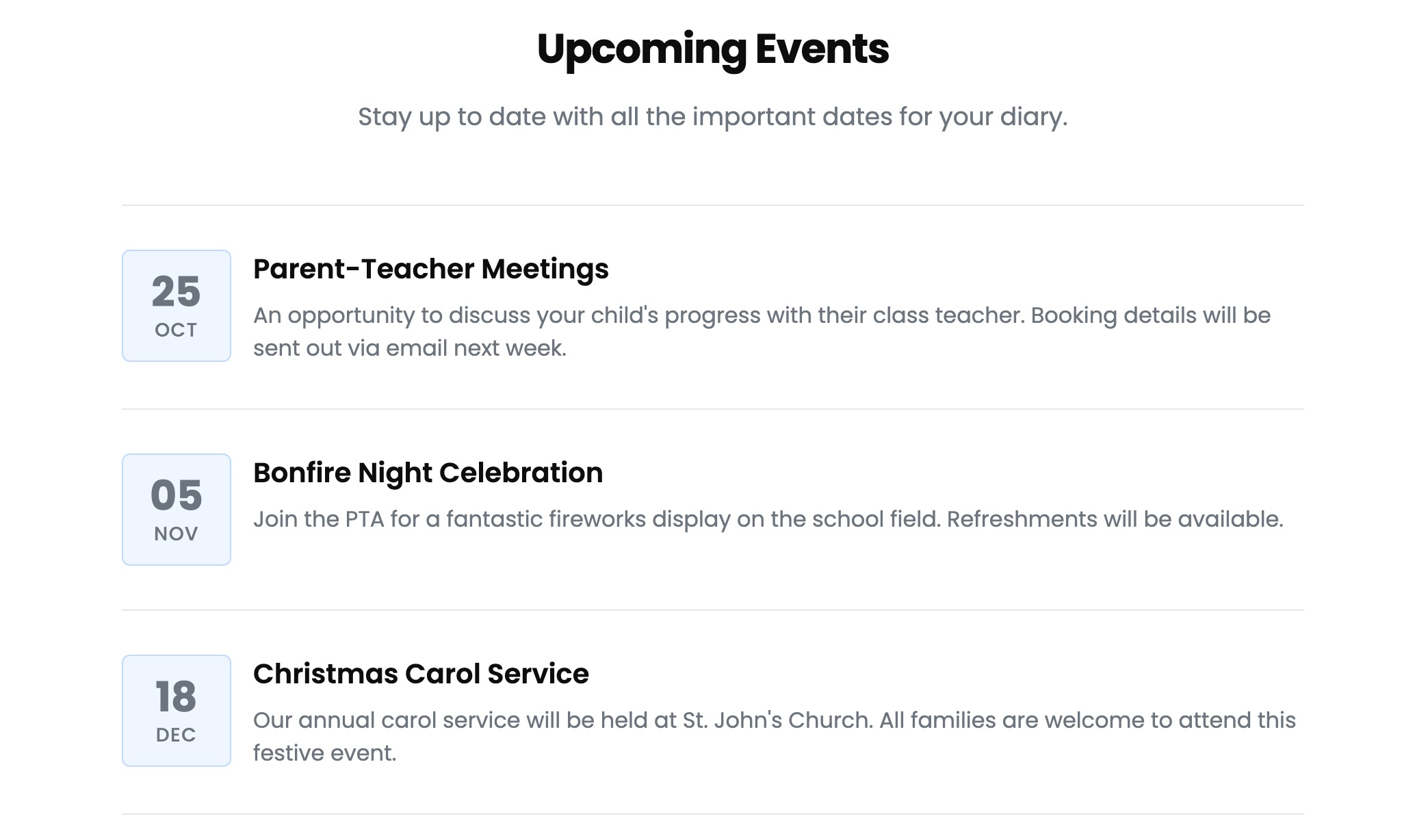
- learning highlights
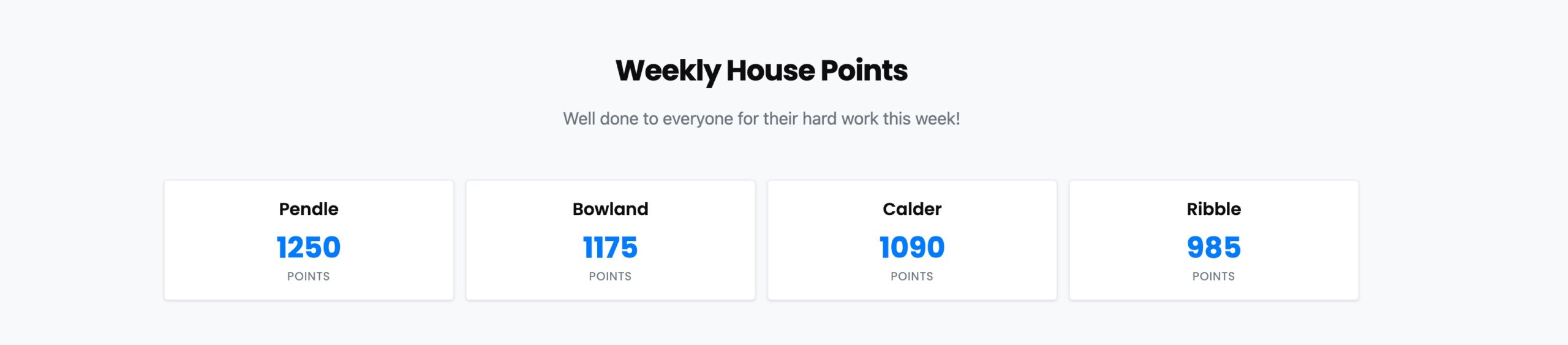
- one key reminder for parents

A biweekly newsletter might include:
- school news
- trips and visits
- pupil celebrations
- links to useful resources
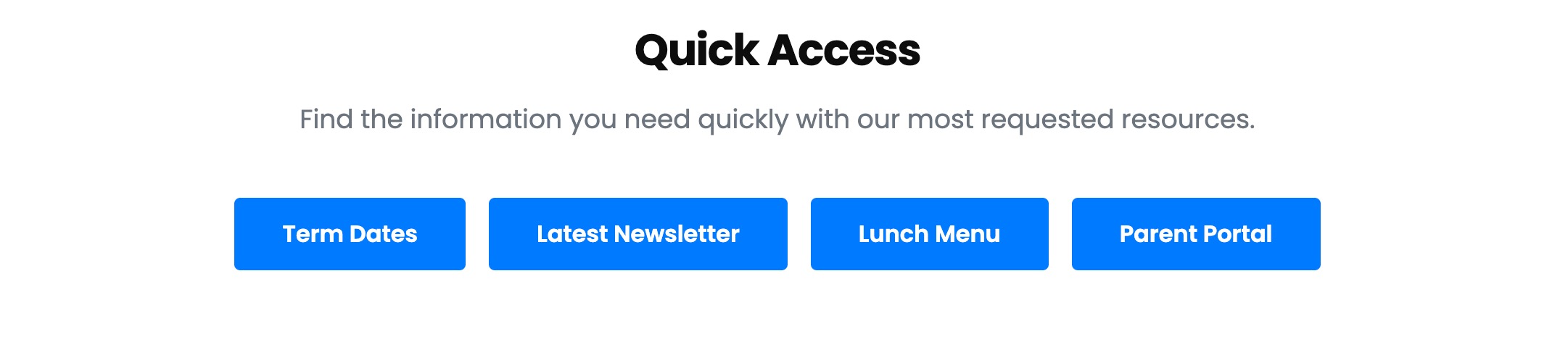
This gives parents enough information without making the update feel too much.
Monthly or biweekly newsletters work well
Schools do not need to send a newsletter every few days.
For many schools, a monthly or biweekly newsletter is easier to manage and easier for parents to follow. Sending newsletters monthly or biweekly helps build expectations. Parents begin to know when the next update will arrive and where to find it.
Many parents expect newsletters at the end of each month. Others may prefer a shorter update every two weeks.
The exact pattern matters less than consistency.
If the newsletter is regular, clear and easy to find on the school website, it becomes part of the school’s communication rhythm.
Use regular features parents recognise
Regular features help make newsletters easier to read.
A headteacher message, key dates section, pupil celebration, class spotlight or upcoming events block can give each newsletter a familiar shape.
This helps parents know what to expect.
Regular features could include:
- message from the headteacher
- dates for your diary
- learning in focus
- pupil achievements
- trip highlights
- school community news
- safeguarding reminder
- parent action needed
- join us at upcoming events
- useful links
A consistent format makes the newsletter easier to create and easier to read.
Use your school branding
Consistent branding improves the professional appearance of school newsletters.
Use your school logo, colours, tone and layout so each newsletter feels clearly connected to the school. This supports trust and makes the newsletter feel part of the wider school website.
A school website newsletter should look like it belongs to the school.
Branding does not need to be complicated. It can be as simple as using the same headings, page layouts, buttons, image style and school colours each time.
This gives the newsletter a stronger identity and helps families recognise it.
Link newsletters back to the school website
A school newsletter is an essential part of marketing to families.
It is not only for current parents. It also helps prospective parents see what the school is like.
When newsletters live on the school website, they support parent engagement, school marketing and the wider story of the school.
They can link to:
- admissions pages
- contact forms
- Google Calendar
- Google Maps
- Google Translate
- school policies
- upcoming events
- learning resources
- photo galleries
- embedded YouTube videos
- Bookwhen online bookings plugin
- file uploads
- trip forms
- class pages
Interactive elements encourage parent engagement in newsletters. A button to book an event, a form to send a question, a video from pupils or a link to a calendar can make the newsletter more useful.
Segment newsletter content where helpful
Not every parent needs every message.
Segmenting audiences can improve newsletter relevance. A whole-school newsletter is useful, but some updates may be better aimed at specific groups.
For example:
- Year 6 parents may need transition information.
- Reception parents may need reminders about routines.
- Secondary school parents may need year group updates.
- Families of pupils going on trips may need payment or packing details.
- Parents interested in clubs may need booking links.
- New families may need admissions or welcome information.
The school website can help manage this by holding clear pages for each group and linking from the newsletter to the right place.
Website newsletters help with school marketing
A school website newsletter shows that the school is active.
It helps prospective families see the school community, the children’s learning, trips, events, achievements and the tone of communication.
A parent looking at the school website may check admissions, policies and contact details. But they may also want to know what daily life feels like.
A clear newsletter archive helps show:
- learning in action
- pupils being celebrated
- upcoming events
- school values
- trips and visits
- community involvement
- staff communication
- how active the school feels
That makes the newsletter part of school marketing, not just parent communication.
What about cookie notices?
When newsletters include interactive website content, schools need to think about cookies.
This is especially relevant when a newsletter includes embedded videos, maps, booking tools, social media embeds, forms or file uploads.
A school website may use cookies to help parts of the website function correctly, run correctly and operate correctly. Some cookies ensure essential parts of the website work, such as security, contact forms and cross site request forgery protection.
Other cookies set by third-party tools may enable additional functionality.
For example:
- Google services cookies may support Google Maps, Google Calendar, Google Translate, reCAPTCHA cookies or Google Search features.
- YouTube cookies may appear when using embedded YouTube videos.
- Facebook cookies and Twitter cookies may relate to embedded social content.
- Vimeo cookies may relate to embedded videos.
- Embedly cookies may support embedded content previews.
- Bookwhen cookies may support a Bookwhen online bookings plugin.
- File uploads may require security checks to stop bots and protect forms.
Some cookies are required. Some are optional. Some may re appearing after parents revisit a page depending on browser settings, cookie notice choices and device types.
The wording on cookie notices can sometimes feel a bit strange. You may see phrases such as “top cookies” or even “chocolate chips, unfortunately not the ones” in playful cookie explanations. But the serious point is that parents should be able to customise cookie settings, reject optional cookies, save choices, delete cookies through their browser and find more information.
A clear cookie notice should help parents understand:
- which cookies are essential
- which cookies enable extra features
- which cookies are used for website performance
- which cookies help with capturing information through forms
- how to reject optional cookies
- how to save cookie settings
- where to find more information
- how to change choices later
This matters when newsletters include embedded videos, booking widgets, Google services, YouTube, Facebook, Twitter, Vimeo, Embedly or Bookwhen tools.
Cookie settings and embedded content
If a school website newsletter uses embedded content, cookie settings need to be clear.
For example, embedded YouTube videos may need YouTube cookies to play. Google Maps may need Google services cookies. Google Translate may set Google services cookies. A Bookwhen online bookings plugin may need Bookwhen required cookies. Embedly required cookies may be needed for certain embeds to work.
A useful cookie notice may explain that some features will not function correctly unless certain cookies are enabled.
For example:
- “Embedded YouTube videos require YouTube cookies.”
- “Google Maps and Google Calendar use Google services cookies.”
- “Bookwhen online bookings require Bookwhen cookies.”
- “Embedded social posts may use Facebook cookies, Twitter cookies or Vimeo cookies.”
- “Embedly cookies support embedded content.”
- “reCAPTCHA cookies help protect contact forms from bots.”
This is not the main focus of a school newsletter, but it is part of good website practice.
Parents should be able to customise cookie settings cookies, reject embedly cookies where optional, manage cookie settings cookies, save preferences and still access essential school information.
Website performance matters
A newsletter should not slow the website down.
Too many embeds, videos, widgets and large images can affect website performance. That can make the newsletter harder to read, especially on mobile devices.
Schools should use embedded content carefully.
A newsletter can still be visual and engaging without being heavy. Use images sensibly, compress files, link to videos rather than embedding too many on one page, and keep the page easy to load.
Good website performance supports parents on different device types and internet connections.
Website content copyright
Schools should also think about website content copyright.
Photos, videos, text, graphics and downloadable files should only be used where the school has the right permission. This matters for newsletters, marketing, social media links and website content.
When publishing photos of children, schools should follow their own consent and safeguarding processes.
The newsletter should be engaging, but it should still be safe, accurate and appropriate.
Why a website newsletter is easier for staff
A school website newsletter can save staff time.
Instead of creating a long email, a PDF, a website upload and separate social media posts, staff can create the newsletter once on the website and share the link.
This helps the school:
- create one central update
- avoid duplicate versions
- update errors in one place
- store a newsletter archive
- link parents to important information
- share school news more easily
- keep communication consistent
It also helps office staff respond to questions. If a parent asks where to find the latest school newsletters, staff can send one link.
A simple school website newsletter structure
A clear structure makes newsletters easier to produce.
Here is a simple format schools can use.
- Headteacher message
A short, warm note from the headteacher. - Three or four key updates
Keep the main content focused. - Upcoming events
Link to Google Calendar, the school calendar or event booking pages where useful. - Learning highlights
Share classroom learning, trips, pupil work or curriculum moments. - Parent action needed
Make dates, forms, payments or bookings clear. - Community section
Share PTA news, local links or school community updates. - Useful links
Link back to website pages, contact forms, policies, resources and previous newsletters.
This keeps the newsletter concise, useful and easy to repeat.
Tips for better school website newsletters
Here are some practical tips.
- Keep each newsletter to three or four main topics.
- Publish monthly or biweekly.
- Use school branding, logo and colours.
- Make the newsletter mobile friendly.
- Use short paragraphs.
- Add quickfire interviews or pupil quotes where suitable.
- Use visual content carefully.
- Link back to the school website for forms, events and policies.
- Include interactive elements only where useful.
- Keep cookie settings clear for embedded tools.
- Use a consistent schedule so parents know when to expect updates.
- Check website performance before adding too many embeds.
- Keep children’s safety and consent in mind when using images.
- Make the latest school newsletters easy to find from the homepage.
The school website is the best home for newsletters
Long emails and PDF attachments still have a place for certain updates, but they are not always the best home for regular school newsletters.
A school website newsletter gives parents one reliable place to go. It helps staff manage communication more easily. It supports school marketing. It helps the wider community see the life of the school.
It can include links, forms, videos, maps, bookings, calendars and resources. It can be branded, mobile friendly and easy to update. It can help parents stay informed without feeling overwhelmed.
Most of all, it keeps school communication centred on the school website.
That is where important information should live.
Need help improving your school newsletters?
If your school newsletters are still being sent as long emails or PDF attachments, this may be a good time to review the process.
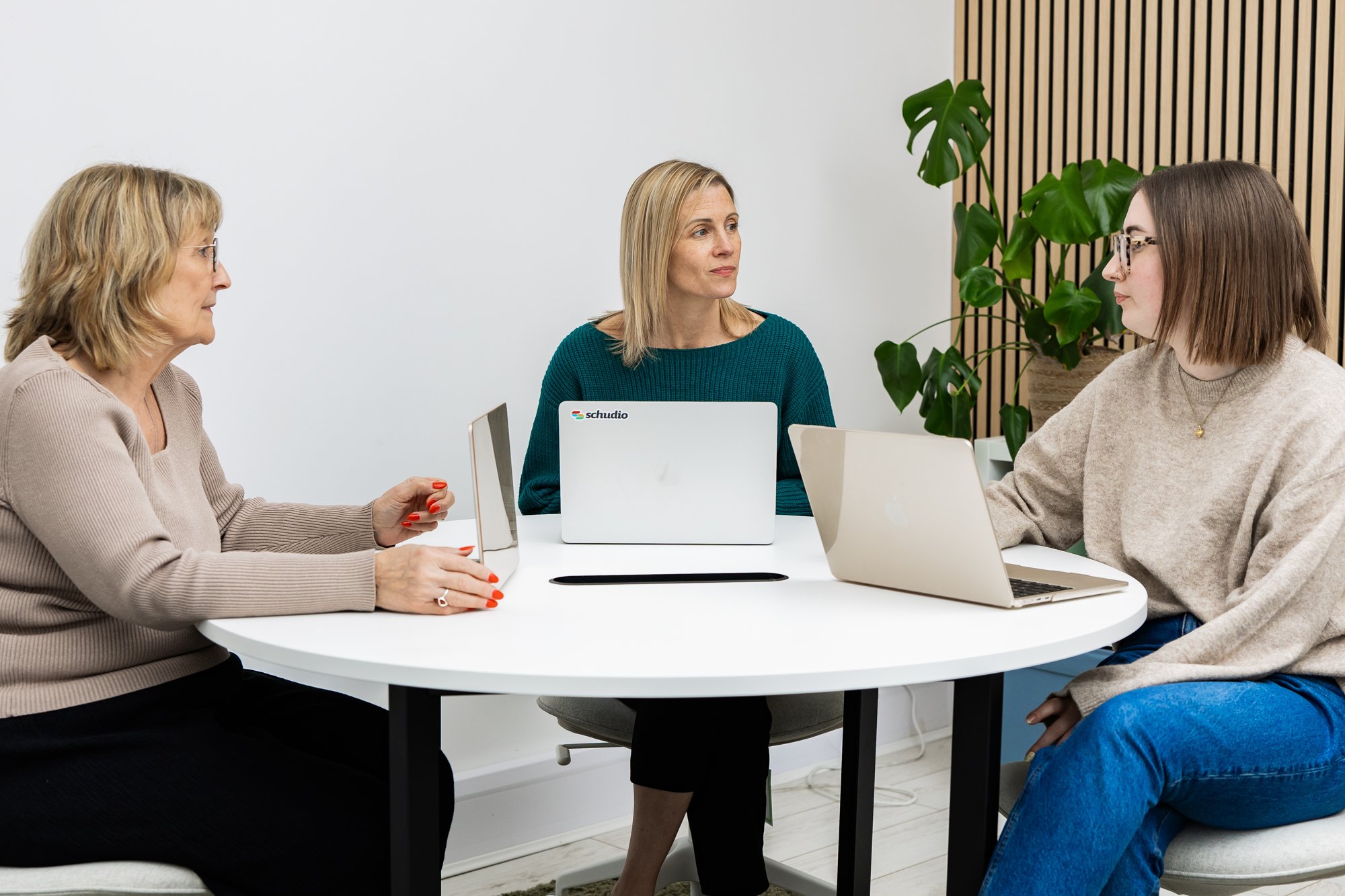
At Schudio, we help schools and multi-academy trusts create clearer, easier-to-manage website content that supports parents, staff and prospective families.
We can help you review your current newsletter approach and show how your school website can make regular communication simpler, clearer and more useful.

Related Posts
Ian Richardson
October 20, 2026
What should a school website look like in 2027? The school website trends that matter for UK schools and trusts, with a practical checklist and an FAQ.
Ian Richardson
October 13, 2026
AI-generated school content saves time, but accuracy, tone and safeguarding still need a person. What DfE guidance says, who reviews what, and a checklist.
Ian Richardson
October 7, 2026
What a school website chatbot should answer, what it should never answer, and how to get your pages ready before you switch one on. A guide for leaders.

Ian Richardson
September 30, 2026
What schools should not use AI for, the AI safeguarding risks behind each limit, what KCSIE 2026 now says, and a practical checklist for school leaders.
Ian Richardson
September 16, 2026
Introducing the Schudio AI Suite: AI school website software that checks what you publish, drafts pages in your school's voice and answers parents' questions.
Ian Richardson
July 29, 2026
What parents look for in a school, and how your website answers it before they visit: culture, safeguarding, SEND support and clear practical information.