Multi Academy Trust LinkedIn Strategy: A Practical Guide for Leaders and Communications Teams
Multi Academy Trust LinkedIn Strategy: A Practical Guide for Leaders and Communications Teams
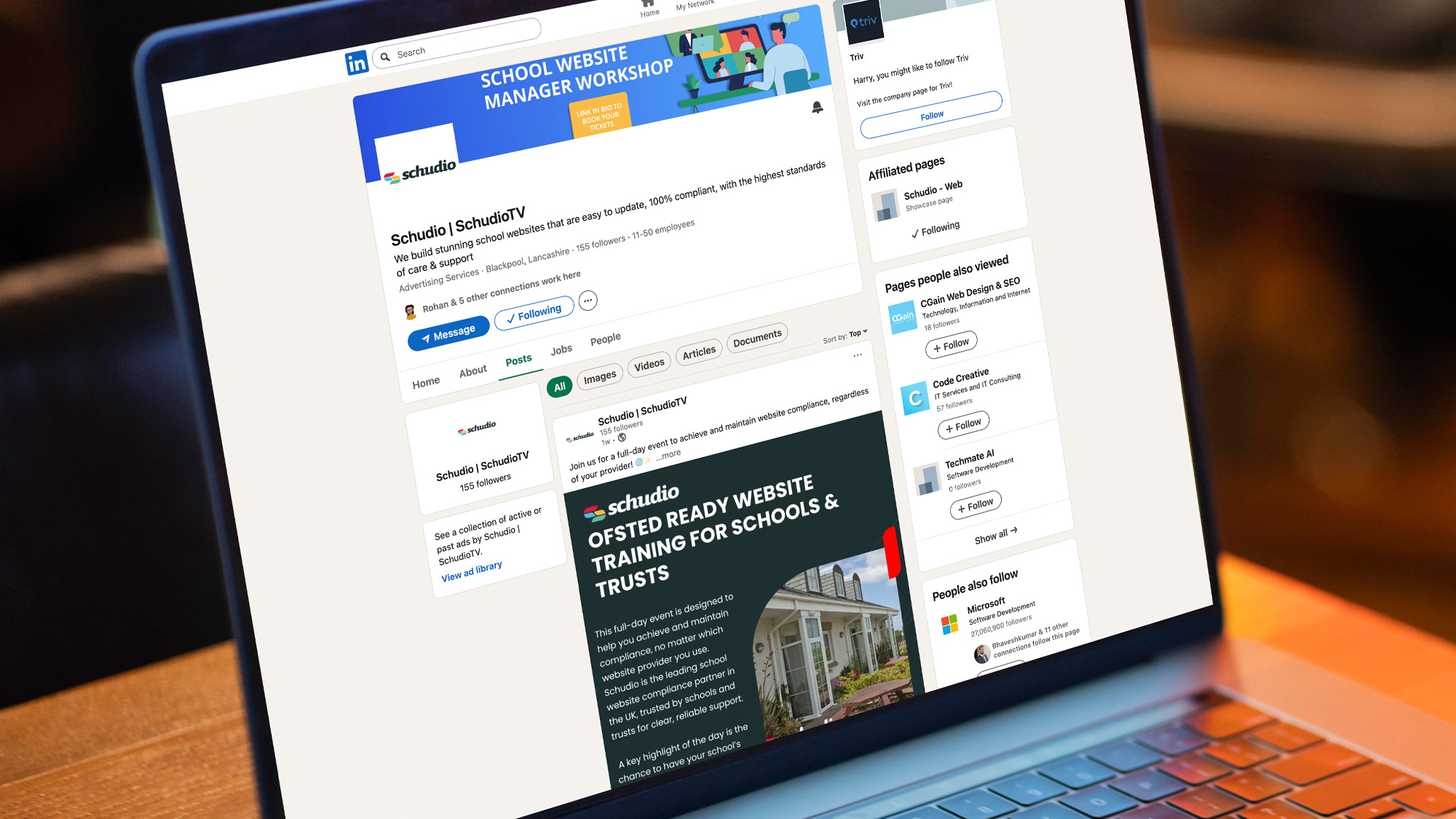
LinkedIn has become one of the most useful places for Trusts to share what they stand for, attract staff, and build confidence with partners. LinkedIn now presents opportunities for trusts to gain attention and showcase their strengths to the wider world and education industry. It’s a space where your voice, your culture, and the story of your schools can come through clearly.
This guide sets out how Trusts can use LinkedIn, what to share, and a set of simple prompts that will help you create a clear, steady plan for your Trust page. LinkedIn allows your Trust to present itself professionally and capture the attention of key audiences, helping you stand out in the industry.
Why LinkedIn Matters for Trusts
A Trust has many audiences – teachers, leaders, local authorities, families, potential joiners, and other partners. LinkedIn gives you a single place to show your strengths as a Trust in a professional way. Building strong relationships with stakeholders is essential for fostering a sense of belonging and trust within your community.
Trusts use it to:
- Reach talented staff
- Share improvement stories
- Highlight professional development
- Build confidence with schools considering whether to join the trust
- Celebrate work across the family of schools
- Share insight from central team leaders
- Strengthen reputation beyond the local area
- Connect with parents and other stakeholders to foster engagement and community
It’s a gentle, ongoing way to show who you are.
What a Trust Can Share on LinkedIn
Staff stories
A short update about a colleague who has grown into a new role speaks louder than any advert, as these staff stories showcase the talent within your team, what they learn through professional development, and the positive impact on the life of staff members.
Trust-wide progress
Curriculum projects, SEND inclusion work, safeguarding improvements, new policies, estates upgrades, digital transformation – these reassure partners that things are well-run and well-led. Through effective collaboration, trusts can achieve their strategic goals and enable both staff and students to thrive within the school community.
CPD and leadership events
Clips, photos, or reflections from Trust training days or networks.
School celebrations
Achievements from a single school, reshared by the Trust, give a fuller picture of the organisation and highlight the positive impact on pupils’ lives by celebrating their achievements and experiences.
Posts from central leaders
A CEO or Director sharing a simple insight each week gives a reassuring human presence, allowing leaders to share their vision, lead the Trust, and inspire hope among stakeholders.
Recruitment highlights
Key roles, ECT journeys, career progression, and wider staff benefits—joining the trust offers many benefits, including enhanced opportunities for talent development and career growth.
How a Trust Can Get the Most Out of LinkedIn
Use a steady posting rhythm
Two or three updates a week is plenty. A consistent presence always works better than bursts of activity. Establishing a regular posting schedule helps your audience know when to expect new content, which builds anticipation and engagement over time. It also ensures that your Trust remains visible in the busy LinkedIn feeds of your key stakeholders, maintaining steady momentum in your communications.
Involve leaders
Senior staff engaging with posts increases reach and signals strength across the organisation. When leaders actively comment, share, or create content, it demonstrates commitment and authenticity, reinforcing the Trust’s values and vision. Their involvement can inspire staff and schools to participate more actively, creating a culture of collaboration and shared ownership of the Trust’s story.
Keep content short
A couple of paragraphs, a photo, or a short video from a smartphone works perfectly. Short, concise posts are more likely to be read and shared, especially on a platform like LinkedIn where professionals often skim content quickly. Visual elements like photos and videos also capture attention and convey messages more effectively than text alone.
Make it easy for schools to share content
A simple shared folder or form allows schools to send photos and updates without a long chase. Streamlining the content collection process reduces workload for both central teams and schools, encouraging more frequent and diverse contributions. This approach helps showcase the full breadth of activity across your Trust, highlighting achievements and stories from all corners.
Reuse good content
If a school posts something strong, reshare it. If the Trust has a major update, encourage schools to repost it for their own followers. Repurposing high-quality content maximizes its reach and impact, saving time while reinforcing key messages. This strategy also fosters a sense of unity across the Trust by amplifying shared successes and initiatives.
Prompts to Help Your Trust Create a LinkedIn Plan
Below are practical prompts a Trust can use in planning sessions, leadership meetings, or comms workshops. When creating a LinkedIn plan, it’s important to listen to feedback from other stakeholders, including staff, pupils, parents, governors, and the wider community, to ensure authentic engagement and a shared vision. These prompts can shape a full LinkedIn plan in under an hour.
1. Purpose
- What do we want people to think about our Trust when they see our posts? How can our posts create a sense of belonging and reflect our core values?
- Who do we want to reach most? (Teachers, leaders, families, potential joiners, partners?)
- What impression do we want potential joiner schools to have before they ever arrange a meeting? What makes our Trust stand out to them?
2. Tone
- How do we want our Trust to sound online?
- What values should come across in every post? How can we ensure our posts reflect a kind and creative tone?
- Which three words describe the culture we want to communicate?
3. Content Themes
- What are the five areas of our work that people most need to see? Which areas of community engagement should be highlighted to showcase our trust’s values and foster a sense of belonging?
- Which parts of our improvement journey could be helpful or reassuring to others?
- Which voices from across the central team should appear regularly?
4. Posting Rhythm
- How often can we realistically post as a Trust?
- What is a simple weekly rhythm we can keep to without extra workload?
- What types of posts should appear each week or month?
5. Responsibilities
- Who writes or schedules posts?
- Who from the leadership team will commit to commenting or sharing?
- How do schools share content or achievements with the central team? For more on school and MAT websites, see solutions designed to support efficient communication and engagement.
6. Quick Ideas for Posts
Encourage your trust to explore a variety of post ideas—these prompts can generate a full month of content in minutes:
- Something a school did this week that made you proud
- A short note from a recent school visit
- A member of staff who has grown into a new role
- A curriculum improvement story
- A safeguarding or SEND update that shows strong practice
- A clip from CPD or a Trust leadership session
- A school event worth celebrating
- A behind-the-scenes look at work the central team is doing
- A reflection from the CEO or Executive Head on what went well this week
A Simple LinkedIn Framework for Trusts
You can share this with your communications team:
Weekly:
- One Trust-wide celebration
- One post from a school (reshare)
- One insight from a leader
Monthly:
- A recruitment focus
- A short video or photo highlight from CPD
- An update on a Trust-wide project
Quarterly:
- A spotlight on SEND, safeguarding, curriculum, estates, or digital work
- A message from the CEO or Chair
- A post for schools considering joining the Trust
This gives just the right level of presence without overwhelming anyone and helps ensure a consistent and effective presence.
Free Toolkit for MAT Website Rollout
If your Trust is planning to move to a single website provider or refresh your current sites, you may find our MAT Website Project Toolkit helpful. It includes checklists, timelines, communication guidance, and templates for a smooth, well-managed rollout across all schools.
Download the free toolkit here >
Learn more about Multi Academy Trust website design from Schudio.

Related Posts
Luke Smith
July 13, 2026
Falling school rolls have quietly become one of the biggest issues facing schools in England. ..
Ian Richardson
February 6, 2026
Most schools already produce some form of newsletter. What is changing is how those school ..

Ian Richardson
September 19, 2025
We’re really excited to share something new that will make it easier for your school ..

Ian Richardson
July 28, 2025
Every now and then, a conversation with a school sums up exactly what so many ..

Ian Richardson
July 15, 2024
Summer is almost upon us, and with the end of the school year in sight, ..

Ian Richardson
January 30, 2024
Struggling to market your school without breaking the bank? Look no further. This no-nonsense article ..