How to Complete School Website Compliance Audit Step by Step
How to Complete School Website Compliance Audit Step by Step
Your school website is the public front door to your school. It is where parents, staff, governors, trustees and Ofsted inspectors go to find what they need. It is often the place where people quietly decide whether they trust what you do.
That is why knowing how to complete school website compliance audit step by step is such a useful skill for school leaders, office teams and anyone responsible for keeping school information current.
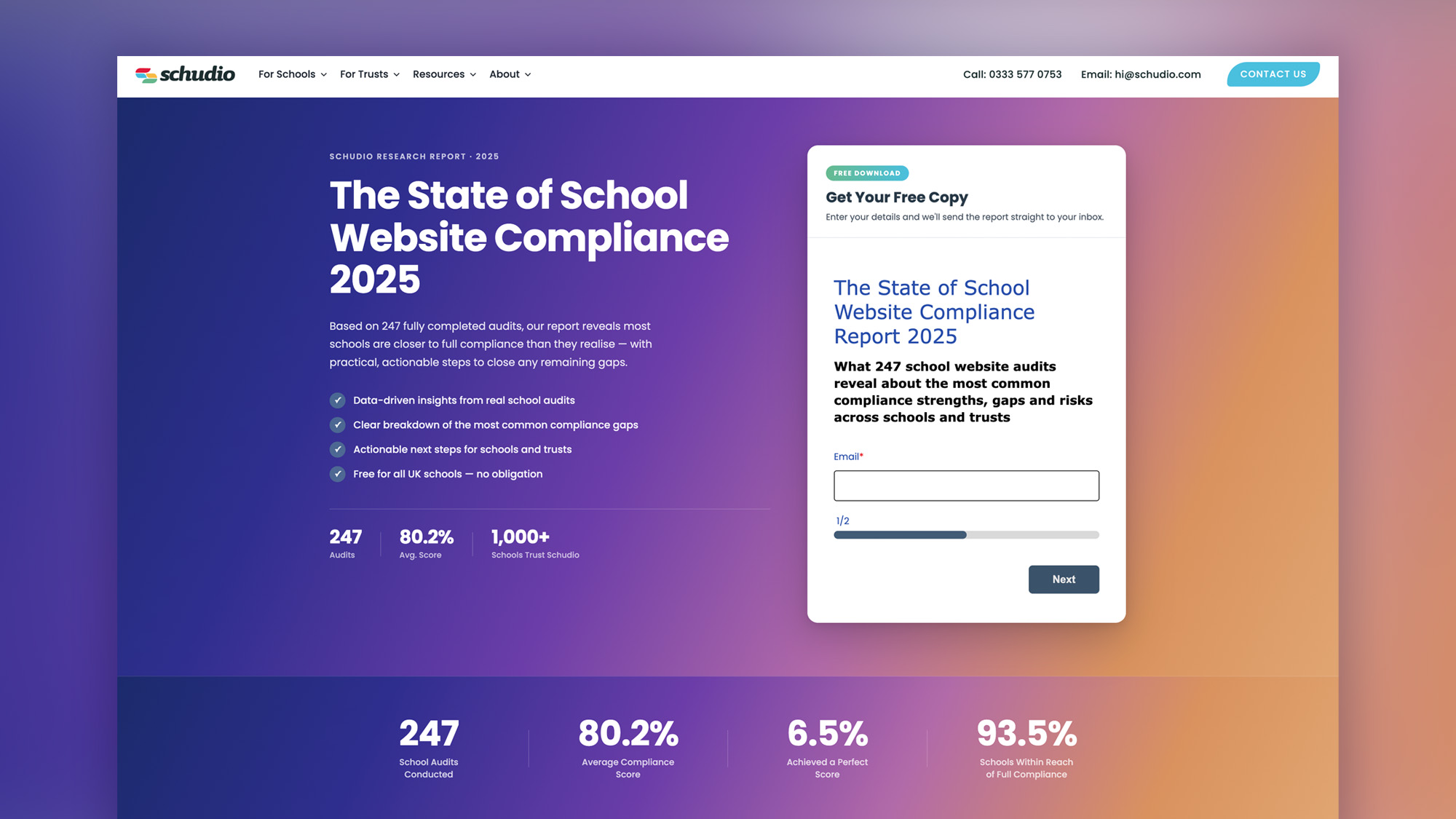
Here is the encouraging part. When we looked at 247 school website audits over the past year, the average score was 80 per cent, but only 6.5 per cent of schools were fully compliant. Most schools are not miles off. The gap is almost always in the detail.
A missing review date. An old policy still live on the site. A finance page that has not been refreshed. Admission arrangements that are hard to find. A SEN information report from the wrong year. These are the small things that can create bigger problems at exactly the wrong moment.
This guide walks you through a simple, repeatable school website compliance audit you can run yourself. It follows our Always Ready approach: calm, steady and year-round, rather than a scramble the week before an inspection.
If you would rather start from a ready-made list, our free School Website Requirements Guide brings every statutory requirement together in one place, with plain-English explanations and examples. This blog is the practical companion to it: the step-by-step process for running your own school website audit.
Before You Start Your School Website Audit
A few minutes of preparation will make the whole audit quicker and more useful.
Start by confirming your school type. Maintained schools, academy trusts, voluntary aided schools, voluntary controlled schools, foundation schools, independent schools, primary schools and secondary schools share many requirements, but some areas differ. Your audit needs to match your setting.
Have a checklist to hand. This should include the information schools must publish, the items schools should publish, and any additional information linked to your school type. The Schudio School Website Requirements Guide is built for this exact job.
Decide who owns each area. Some website compliance tasks sit with the office team. Others need input from school leadership, governors, trustees, finance, SEND, safeguarding, curriculum leads or the local authority. A school website compliance audit is much easier when you know who to ask.
Open the live school website on a laptop and on a phone. Your website might look tidy on a desktop screen, but many parents will be using a mobile. If key information is hard to read or buried in a document on a phone, that is a problem worth fixing.
Set up a simple audit record before you begin. You do not need anything complicated. A spreadsheet or RAG audit tool is enough. Mark each item as:
Green: compliant and up to date
Amber: present but needs improvement
Red: missing, out of date or hard to find
This gives you a clear priority list at the end.
Step 1: Confirm What Your School Must Publish Online
The first step in any school website compliance audit is to check the statutory requirements for your setting. Do not audit from memory. Requirements change, guidance is updated, and different school types have different duties.
For maintained schools, the Department for Education sets out what must be published online. This includes information linked to the School Information Regulations and other relevant legislation, including the Equality Act 2010 and Children and Families Act 2014.
Academies and academy trusts have separate guidance. Trusts must publish specific information at trust level, and individual schools within the trust still need clear, accessible school-level information.
Your first job is to build the correct checklist. This should cover:
- Contact details
- Admission arrangements
- Admission appeals and appeal arrangements
- Safeguarding and child protection
- Behaviour policy
- Complaints procedure and handling complaints
- SEND information report
- Curriculum information
- Governance information
- Financial information
- Pupil premium
- PE and sport premium
- Assessment results
- Ofsted reports
- Public sector equality duty information
- Accessibility statement
- Careers guidance for secondary schools
- School uniform
- Music development plan where required
This does not mean every school publishes the same thing in the same way. A small primary school will not have the same requirements as a large academy trust or a secondary school with sixth form provision. That is why school type matters so much.
Step 2: Start With Safeguarding
Safeguarding is the highest-stakes area of any school website audit, so start there.
Check that your school website has a clear safeguarding or child protection page. Ideally, it should be easy to reach from the main menu. Where safeguarding sits on your website says something about how seriously you take it.
Check that your child protection policy is current and aligned with the latest guidance. The review date should be visible. The page should name the designated safeguarding lead and deputies, with clear contact details.
There should be an obvious way to report a concern. This should be written on the page, not buried inside a PDF. A worried parent, pupil or member of the community should not have to search through documents to work out what to do.
This is one of the best examples of where school website compliance and good communication meet. The legal standard matters, but so does the lived experience of the person looking for help.
Step 3: Remove Out-of-Date and Duplicate Documents
This is one of the quickest high-impact wins in the whole audit.
Search your site for old documents, duplicate files and policies with previous dates. Remove anything that should no longer be live. Aim for one source of truth for every document.
This matters more than it sounds. If an inspector finds two versions of a safeguarding policy on your school website, one current and one out of date, that is not a tiny website issue. It can raise much bigger questions about document control and oversight.
Look closely at:
- Policy pages
- Document groups
- News posts
- Old newsletters
- Download folders
- Linked PDFs
- Archived pages
- Footer links
- Hidden pages still indexed by search engines
Many schools lose website compliance marks for documents they forgot were still live. The audit should check the content people can reach, not just the pages you use every day.
Step 4: Check Every Policy Has a Visible Review Date
Compliance rarely falls over all at once. It drifts.
A review date passes. A SENCO changes. A governor leaves. A policy is approved but not uploaded. A new version is added, but the old one stays live. After a few months, the school website looks less controlled than the school really is.
For every policy and report, check:
- Is the document current?
- Is the review date visible?
- Is the approval date clear where needed?
- Is the next review date clear?
- Is the title plain and accurate?
- Is the old version removed?
Set review dates for termly and annual policy refreshes. Some items need checking each term. Others need a full annual review. The key is to make the routine visible and repeatable.
Schools must review website content at least once per year as a sensible minimum. In practice, lighter termly checks are much safer. Regular audits help you spot compliance gaps before they become urgent.
If you use Schudio, the system can flag review dates automatically, which removes a lot of the chasing and remembering.
How Schudio’s School Website Compliance Software Helps
You can complete a school website compliance audit manually, but it is much easier when the process is built into the system you use to manage your website.
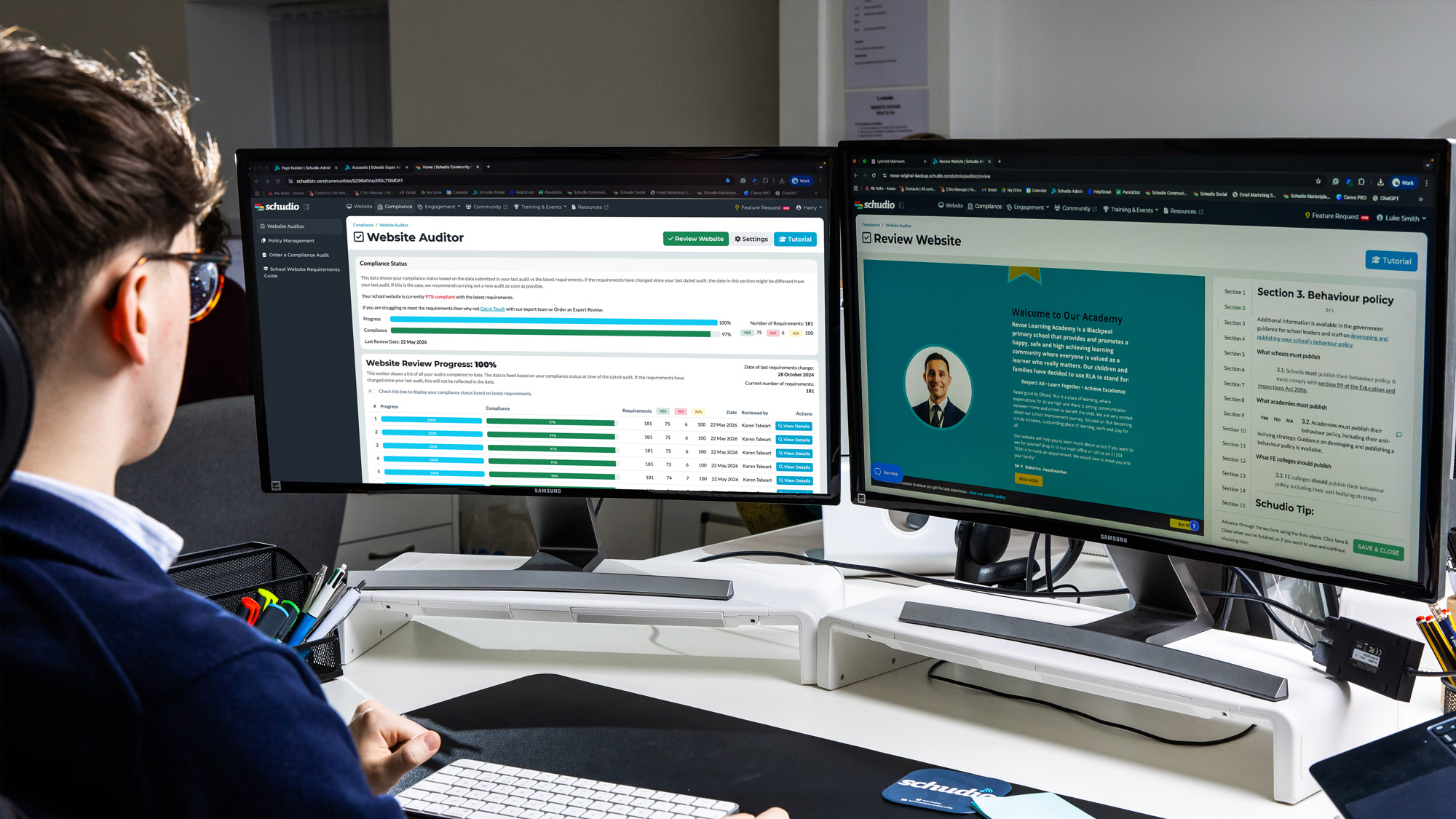
Schudio’s School Website Compliance Software is built to help schools stay on top of website compliance throughout the year, rather than relying on one big check when something feels urgent.
The software helps you:
- Check your school website against the key statutory requirements
- See what is compliant, missing or needs attention
- Track actions using a clear red, amber and green view
- Keep policy and document review dates visible
- Spot areas that may have drifted over time
- Give school leaders and governors a clearer picture of website compliance
- Manage the process as part of normal website maintenance
This matters because most school website compliance issues are not huge failures. They are usually small things that build up quietly.
A policy review date passes. A document is replaced but the old version stays live. A statutory page is present but hard to find. A finance update is missed. A SEND report is uploaded, but the page itself does not explain enough to parents.
Schudio’s software helps bring those details into view.
Instead of working from memory or checking pages randomly, schools can follow a structured process. You can see which areas need work, assign actions internally and keep moving the website back to green.
It also helps with the Always Ready approach. Website compliance should not be a once-a-year panic. It should be a calm, regular routine that gives leaders confidence that the school website is current, clear and useful for parents.
For schools in multi-academy trusts, this becomes even more valuable. Trust leaders need oversight across multiple websites. Schudio’s MAT Portal gives trusts a way to see compliance across their schools, spot common gaps and support schools before small issues become bigger problems.
The aim is simple: make school website compliance easier to manage, easier to evidence and easier to keep up to date.
Step 5: Work Through the Core Policies One by One
Now work through the core policy set and mark each one in your audit record.
For most schools, this will include:
- Behaviour policy
- Anti-bullying information
- Complaints procedure
- Charging and remissions
- Safeguarding and child protection
- SEND information report
- Admission arrangements
- School uniform
- Equality objectives
- Privacy notices
- Data protection information
- Pupil premium statement
- PE and sport premium for primary schools
- Careers guidance for secondary schools
- Music development plan where required
All schools must publish their behaviour policy online. Schools must publish an SEN information report annually. Primary schools must publish PE and sport premium information where the funding applies. Secondary schools must publish careers guidance for years 7 to 13.
Make sure the page label matches the requirement. If the requirement is charging and remissions, do not just call the document “Charging Policy” and assume everyone will understand. Small labelling gaps are easy to fix, and they make the school website much clearer for parents.
Step 6: Audit the Detail-Heavy Areas Where Marks Are Often Lost
Our audit findings show that the biggest school website compliance gaps are often in areas with more moving parts. These pages may rely on information from governors, trustees, finance teams, curriculum leaders or external partners.
Slow down for this section.
Governance information
Schools must publish their governing body information online. This should include a transparent list of governors or trustees, roles, terms of office, attendance where required, and business interests.
For academy trusts, governance information can be more detailed. The trust website should make the structure clear and publish the information required at trust level. Individual schools should still make local governance easy to find where relevant.
Governing boards play a clear role here. The governing board should make sure school website compliance is checked, recorded and acted on. This does not mean governors need to update the website themselves, but they should have oversight of the process.
Financial information
Check that your financial information is current and easy to find.
This may include executive pay information, salary bands, annual reports and accounts for trusts, and links to financial benchmarking. If any member of staff has a gross annual salary above the reporting threshold, the correct information must be published.
Schools with 250 or more employees must publish gender pay gap information. Smaller schools may not need this, but do not leave a blank page. If something is not relevant, add a short sentence to explain.
Pupil premium and sport premium
Check pupil premium statements and sport premium pages with care. These pages are date-sensitive and often become out of date.
For PE and sport premium, primary schools need to publish information about funding, planned spend, impact and swimming data. Check that the information links to the right academic year.
Assessment results and key stage information
Assessment results need to reflect the correct measures for your school and key stage. Make sure the page links to the compare-school-performance service where required.
For secondary schools, exam results need checking carefully. For primary schools, key stage 2 assessment results are a common source of missing or outdated information.
SEND information
The SEN information report should be reviewed annually. It should name the SENCO, explain how the school supports children and young people with SEND, link to the local offer, and explain complaints routes.
This is an area where many schools meet the basic requirement but could make the page much more helpful. Dry content might tick a box, but it does not always help a parent who is anxious, tired or trying to work out whether your school is the right place for their child.
Put the most useful information on the page itself. Use plain language. Explain what support looks like in real school life. Link to the full report, but do not make the PDF do all the work.
Step 7: Check Accessibility and Usability
A compliant school website still needs to be easy to use.
Accessibility obligations apply to school websites as public services. School websites should meet WCAG 2.2 Level AA standards, and the accessibility statement should reflect the current state of the site.
Run automated accessibility scans at least monthly. These will not catch everything, but they are useful for colour contrast, missing labels, broken page structure and common technical issues.
Carry out a manual accessibility and usability review each year. Look for:
- Meaningful alt text for images
- Clear headings
- Readable link text
- Keyboard access
- Captions or transcripts for video where needed
- PDFs that are accessible
- Plain English page content
- Forms that work properly
- Pages that work on mobile
Accessibility statements should be updated after audits. If there are known issues, say what they are and what you are doing about them. That is much better than publishing a statement and never touching it again.
You should have a formal process for logging and acting on website complaints or accessibility barriers. If a parent cannot access a document or use a form, there should be a clear way to report it and a clear internal owner for fixing it.
Step 8: Test How Easy It Is to Find and Read Key Information
Website compliance is not just about whether the information exists. It is about whether people can find it.
Put yourself in a parent’s shoes and test the site without using admin knowledge.
- Can you find admissions in two clicks?
- Can you find safeguarding quickly?
- Can you find SEND without knowing the name of the policy?
- Can you find contact details from every page?
- Can you find term dates, uniform, lunch information and office contacts easily?
- Does the main menu make sense?
- Does the search function return useful results?
- Can a parent using a phone read and act on the information?
Many schools publish information, but it is hidden inside PDFs or placed in sections that only make sense to staff. Key school information should be on the page as text wherever possible.
PDFs still have a place. Full policies often need to be downloadable. But key information should not be locked away in a document. This is better for parents, better for accessibility, better for translation tools and better for search.
Step 9: Explain Anything Missing or Not Relevant
One of the best habits in school website compliance is to answer the question before it is asked.
If something is not relevant to your school, do not leave a blank. Add a short sentence that explains the position.
For example:
No members of staff earn above the reporting threshold for executive pay.
This school does not receive PE and sport premium funding.
Admission appeals are managed by the local authority, with details linked below.
Gender pay gap information is not required as the school has fewer than 250 employees.
A blank looks like a miss. A clear sentence looks controlled.
This is useful for parents, governors, school leaders and inspectors. It shows that the school has checked the requirement and made an active decision.
Step 10: Review Admissions and Contact Details With Care
Admissions and contact pages deserve special attention.
Your admissions page is one of the most valuable pages on your school website. It should do far more than link to the local authority.
Check that it includes:
- Clear admission arrangements
- The right academic year
- How to apply
- In-year admissions information
- Admission appeals information
- Oversubscription criteria where relevant
- Open day or visit information
- A warm introduction for prospective parents
- A clear next step
Maintained schools, voluntary aided schools, voluntary controlled schools, academies and trusts may handle admissions in different ways. Make sure your page explains your process clearly, rather than assuming parents know where to go.
Admission arrangements for September entry need to be published by the correct annual deadline. Add this to your annual audit routine so it does not get missed.
Your contact page should include:
- School name
- Postal address
- Telephone number
- Email address
- Name of headteacher
- Name and contact route for queries
- SENCO contact details
- Safeguarding contact route
- Trust details for academies
- Paper copy statement
Schools should make clear that parents can request a paper copy of information from the school website. This is a small line, but it is often missed.
Step 11: Check Curriculum, Ofsted and Wider School Information
Curriculum pages vary a lot from school to school. At their best, they help parents understand what children learn, how subjects are taught and what makes the school distinctive.
At their weakest, they are a set of downloads with little context.
Your curriculum audit should check:
- Curriculum intent
- Subject information
- Key stage content
- Reading schemes where relevant
- Phonics information where relevant
- How parents can find out more
- How the curriculum supports pupils with SEND
- Links between curriculum, values and school life
Check Ofsted reports are easy to find, with a link to the school’s Ofsted page where needed. If recent Ofsted expectations have highlighted areas such as behaviour, attendance, safeguarding or SEND, your school website should make your approach to these areas clear.
This does not mean writing pages for inspectors. It means publishing specific information in a way parents and the school community can use.
Step 12: Turn Audit Findings Into an Action Plan
An audit is only useful if it leads to action.
At the end of your school website audit, turn the findings into a short action list:
- What needs fixing?
- Is it red, amber or green?
- Who owns it?
- What evidence is needed?
- What is the deadline?
- Has the fix been checked?
Start with quick wins. Remove duplicate documents. Add missing review dates. Fix broken links. Update contact details. Add short explanatory notes where something is not relevant.
Then plan the bigger jobs. These might include rewriting SEND content, improving admissions pages, restructuring governance information or refreshing curriculum pages.
Keep a record of the audit findings and the changes made. This gives school leadership and governors useful evidence. It shows that compliance monitoring is active, not just reactive.
How Often Should Schools Run a Website Compliance Audit?
Schools should conduct a full manual school website compliance audit at least once per year. That annual audit should check statutory requirements, DfE guidance, accessibility, usability, documents, policies and dated information.
Termly checks should focus on the areas most likely to drift:
- Safeguarding
- SEND
- Governance information
- Curriculum
- Policies
- Admissions
- Contact details
- Accessibility
- Broken links
Weekly checks can be light. Add news, check urgent dates, look at key homepage links, and make sure nothing obvious has broken.
This is the Always Ready approach. Regular audits keep standards high without turning website compliance into a big stressful job.
What Happens If Your School Website Is Not Compliant?
In most cases, compliance gaps are spotted and fixed without drama, especially when schools run regular audits.
The risk is that missing or outdated information undermines trust. It may cause frustration for parents. It may create questions for governors. It may come up at the worst possible moment during inspection.
A school website does not need to be perfect. It does need to be current, clear, accessible and actively maintained.
Frequently Asked Questions
What is a school website compliance audit?
A school website compliance audit is a structured review of your school website against the statutory information schools in England must publish online. It checks what is present, what is missing, what is out of date and what needs to be easier to find.
A good website audit should cover legal requirements, DfE guidance, Ofsted expectations, accessibility, usability and clear communication for parents.
What must a school publish on its website?
The exact list depends on school type, but most schools must publish information about admissions, contact details, policies, behaviour, complaints, SEND, curriculum, governance, financial information, pupil premium, sport premium, assessment results, Ofsted reports and equality information.
Secondary schools must publish careers guidance. Schools with 250 or more employees must publish gender pay gap information. Academy trusts have additional requirements around governance and financial reporting.
Do academies and maintained schools have the same website requirements?
No. Maintained schools and academies share many requirements, but the exact duties differ. Academy trusts have trust-level publication duties, and individual schools still need clear school-level information.
Voluntary aided schools, voluntary controlled schools, primary schools, secondary schools and independent schools may all have different details to check.
How long does a school website compliance audit take?
A focused first pass usually takes a few hours if you have a checklist and the right people ready to help. Fixing the findings can take longer, especially where information needs approval from governors, trustees, finance, SEND or school leadership.
How often should schools audit their websites?
Schools should run a full audit at least once per year, with termly checks for high-risk areas and lighter weekly checks for key links, news, documents and dates.
Regular audits help identify compliance gaps early and support steady improvement across the year.
What is the best way to record a school website audit?
Use a simple RAG audit report. Mark each item red, amber or green, add notes, assign an owner and set a deadline. This creates a clear action plan and gives governors or school leaders evidence that website compliance is being monitored.
Should accessibility be part of a school website audit?
Yes. Accessibility should be part of every website audit. School websites are public services, so they need to be accessible to users with different needs.
Check your accessibility statement, run automated scans, carry out manual checks, review alt text, check PDFs and make sure there is a clear route for users to report accessibility barriers.
Make Your Audit Easier
If you would like a complete breakdown of everything your school needs to publish, our free School Website Requirements Guide brings it all together with clear explanations and practical examples.
You can also join our free monthly School Website Compliance Workshop, where we walk through the requirements together and answer questions from schools and trusts.
If you want to manage this process inside your website, Schudio’s School Website Compliance Software helps you track requirements, review dates and actions throughout the year. For multi-academy trusts, our MAT Portal gives trust leaders a clear view of website compliance across all schools.
However you do it, the goal is the same: calm, steady, Always Ready.

Related Posts
Ian Richardson
May 28, 2026
School website compliance 2026 is going to be much easier for schools that take a ..

Ian Richardson
May 21, 2026
How Church schools can support SIAMS, Ofsted readiness and DfE website compliance through one clear ..
Ian Richardson
May 6, 2026
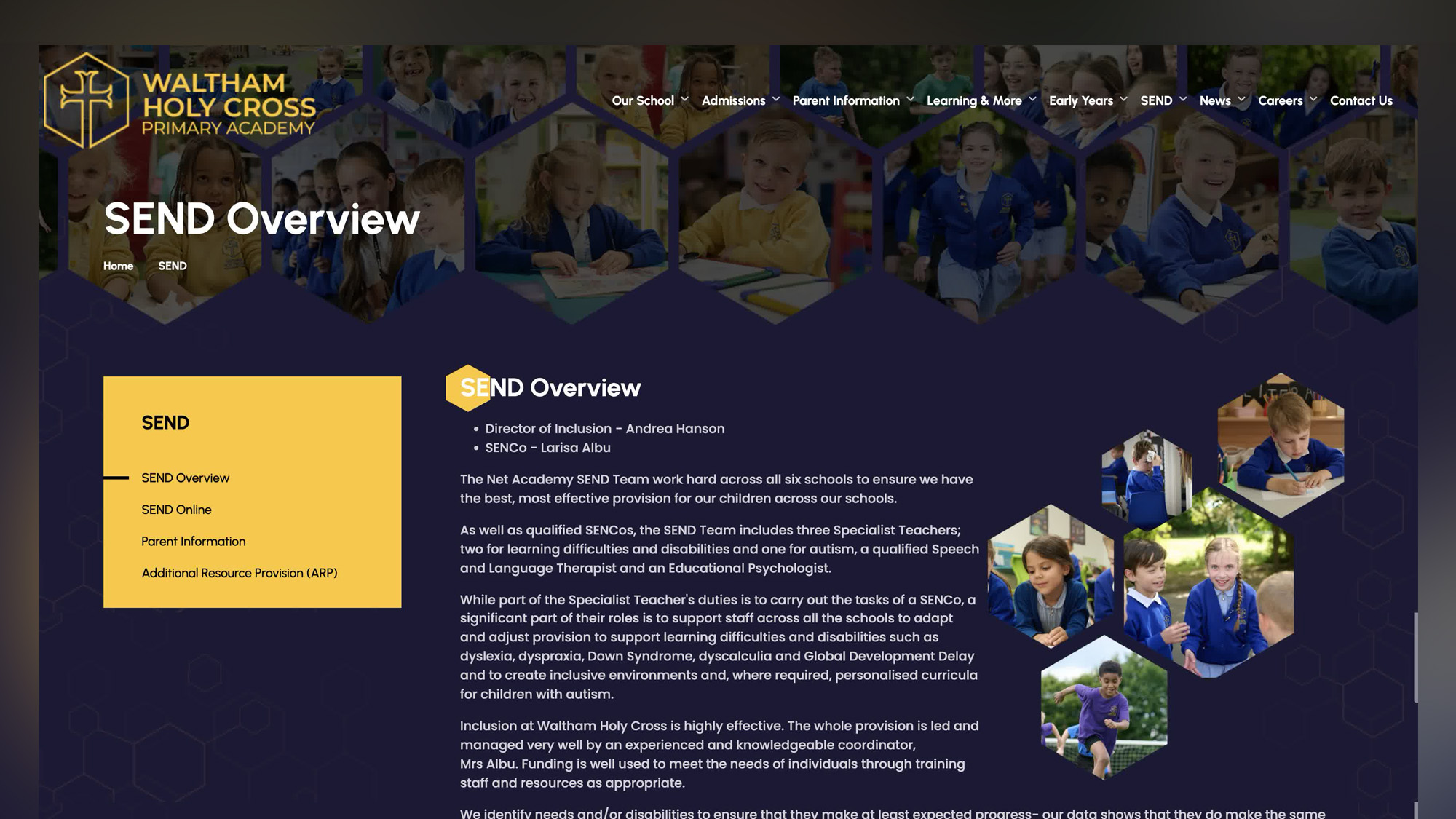
Every school must publish a SEND information report on its website, and this sits alongside ..
Ian Richardson
May 1, 2026
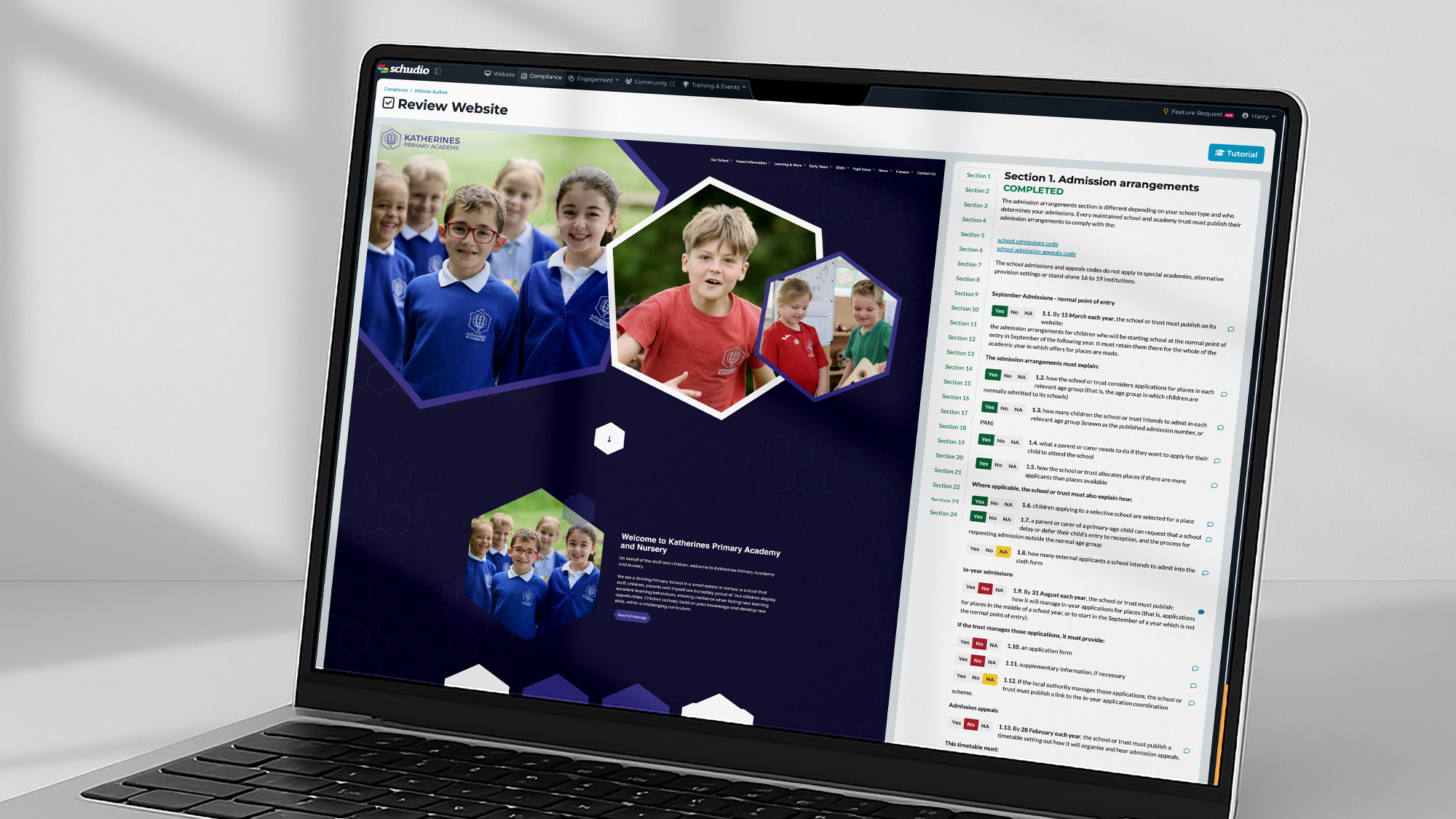
For many schools, the phrase “Ofsted ready” creates an immediate sense of pressure. A ..
Ian Richardson
February 19, 2026
Safeguarding is always a limiting judgement. For individual schools, that is well understood. But ..
Ian Richardson
February 14, 2026
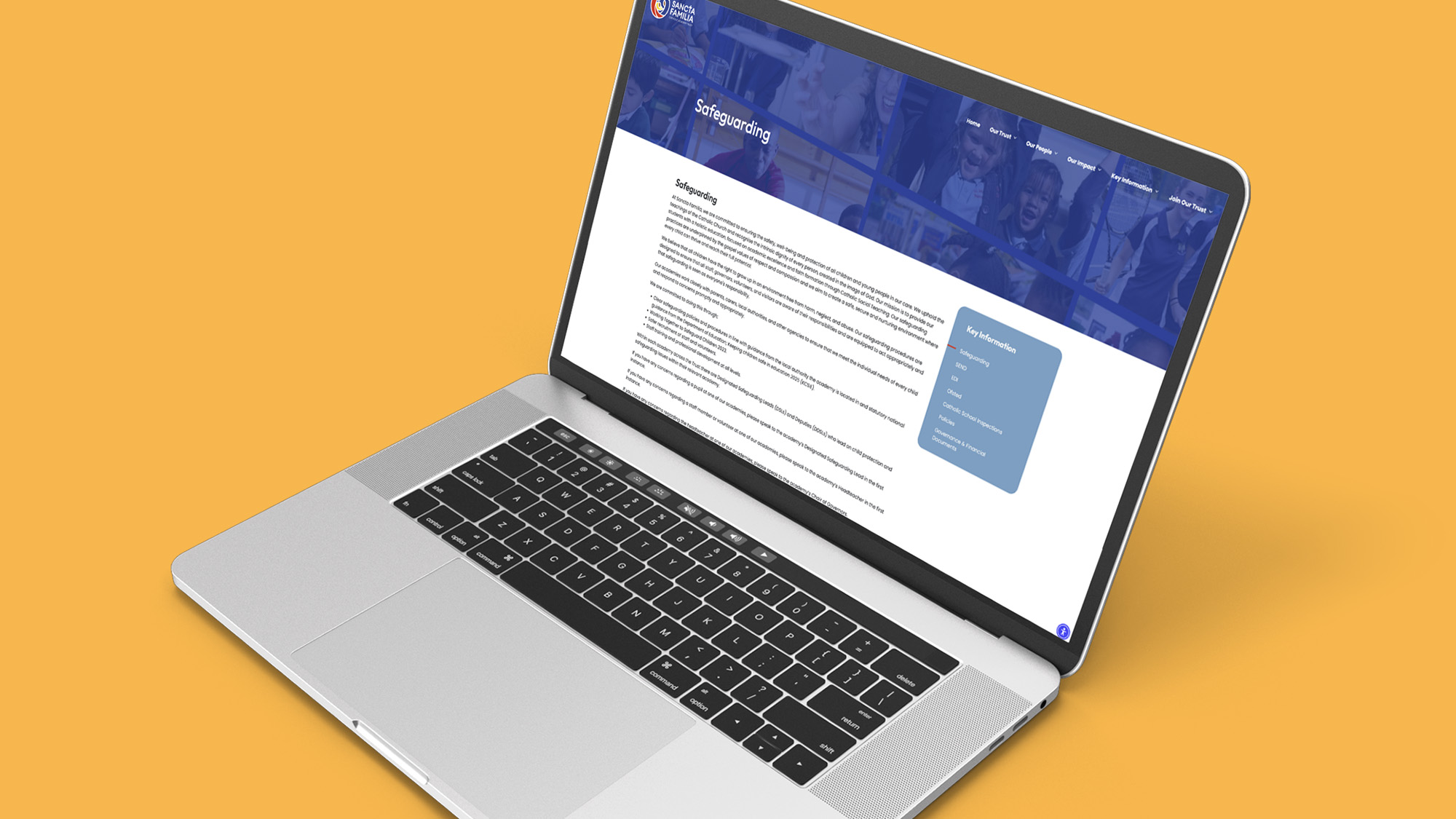
Safeguarding is always a limiting judgement. If safeguarding is judged ineffective, the overall judgement following ..