School Prospectus Design Canva: How Schools Can Create Professional Brochures with Confidence
School Prospectus Design Canva: How Schools Can Create Professional Brochures with Confidence
For many schools, school prospectus design in Canva is no longer an experiment. Canva is already used daily for newsletters, presentations, website graphics, and event materials. It is familiar, user friendly, and accessible to staff without formal design training. Colleges, universities, training centres, and education-focused businesses also rely on Canva to create marketing materials that are clear, consistent, and easy to update.
What is often missed is how effective Canva can be for creating full prospectuses and Canva brochures that are ready for print and digital use. With the right brochure templates, schools can create professional brochures quickly, without relying on designers or complex programs.
Why Canva is the natural choice for schools
Educators rarely use professional design programs such as Adobe InDesign to create Canva brochures. File formats like InDesign INDD and InDesign IDML require trained designers and are difficult for school staff to edit or update. This creates delays, extra cost, and unnecessary barriers.
Canva makes a big difference because it:
- Is already used across school, college, university, and training centres
- Allows teams to create, edit, and publish content independently
- Works across brochures, newsletters, presentations, and website content
- Removes the need to hire designers for routine marketing work
Teachers and students can also access Canva for Education, which unlocks premium features for free and supports collaborative working.
Start with brochure templates, not from scratch
Canva provides hundreds of brochure templates specifically designed for schools and education marketing. These templates eliminate the need to start from scratch and allow schools to create brochures in minutes.
Well-designed brochure templates help schools:
- Choose layouts that suit education content
- Maintain clear structure without pages feeling packed
- Match branding across brochures, newsletters, and reports
- Produce brochures that are ready for print and PDF sharing
Templates can be adjusted easily for layouts, fonts, graphics, and branding to suit each school’s style.
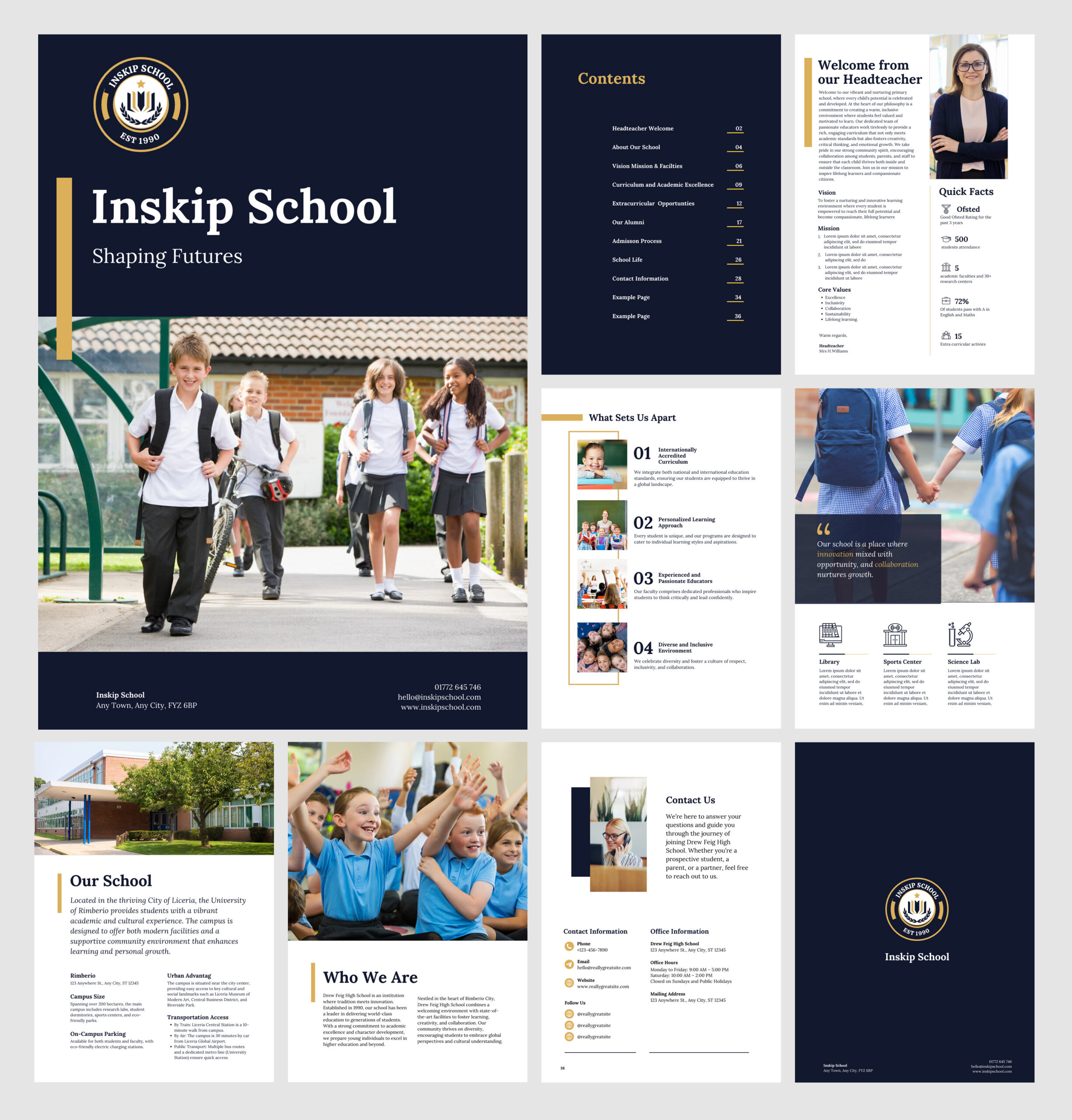
Designing a strong front cover
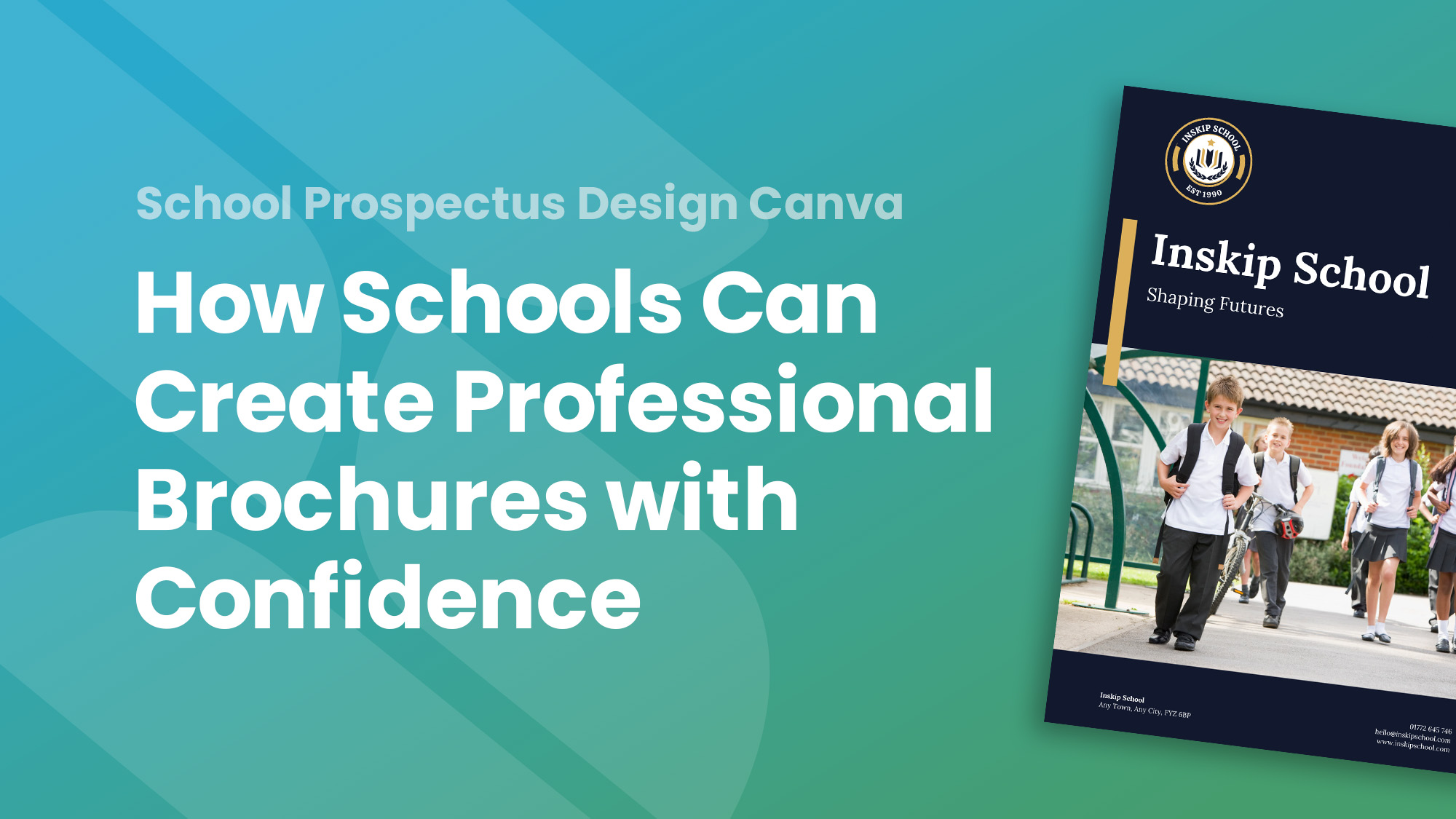
The front cover of a prospectus matters. It should immediately feel confident and clear.
A strong school prospectus front cover includes:
- A high-impact image showing students engaged in learning
- The school logo
- A clear, readable title
- Enough white space to avoid clutter
For tri-fold brochures, remember:
- The front cover is the far-right panel
- The back cover is the middle panel
Canva’s brochure templates handle this automatically, reducing print errors.
Use real photos and authentic content
A prospectus should reflect real school life. Using own photos of students and staff builds trust and helps parents picture the school environment. Canva allows users to drop photos directly into templates and adjust images easily using drag-and-drop tools.
Canva also provides access to over two million images, icons, and illustrations, which can be useful for supporting graphics. However, authentic photos should always take priority over generic stock images.
Structure content so parents can scan easily
Clear structure improves readability and confidence.
Effective prospectuses organise content into sections such as:
- School vision and values
- Curriculum
- Pastoral care
- Admissions
- Contact information
Maintaining white space between sections avoids overwhelming parents and helps information flow logically.
Add testimonials to build trust
Testimonials strengthen credibility. Short quotes from parents, pupils, or extracts from inspection reports can be added using call-out boxes or side panels.
This breaks up long text sections and reassures parents that the school delivers on its promises.
Keep branding consistent without complexity
Canva makes branding easy for school teams.
Schools can:
- Upload their logo once
- Set primary branding colours and fonts
- Apply branding across brochures, presentations, and newsletters
Templates can then be customised to match school branding consistently, saving time on future updates.
Accessibility and quality matter
Canva includes built-in accessibility tools that support:
- Sufficient colour contrast
- Legible font sizes
- Clear layouts
The Elements tab allows users to add icons or graphics, and tools such as Magic Eraser make it easy to tidy images quickly without advanced skills.
Preparing brochures for print and digital use
Most schools need brochures that work both online and in print.
For print:
- Ensure images are 300dpi
- Add a 3mm bleed
- Export as a high-quality PDF
Canva Print offers brochure printing with free delivery, which suits schools wanting a simple print solution.
For digital use, brochures can be published on the website, shared by email, or used at events and admissions meetings.
Design once, update every year
A well-planned prospectus should be reusable.
Canva makes it easy to:
- Update text and content
- Add new products or services
- Refresh photos
- Keep brochures current
This is ideal for busy schools managing changing information each year.
Free and premium Canva assets for schools
Many Canva assets are free to use immediately. Schudio also provides a dedicated Canva Asset Library for Schools, offering ready-made brochure templates, layouts, graphics, and icons created specifically for education use.
You can explore the library here:
https://www.schudiotv.com/pages/canva-assets-for-schools
Schools and trusts that want extended options can access premium Canva assets through Community+ membership, which includes additional brochure templates, marketing layouts, and ongoing updates throughout the year.
Final thought
Canva makes brochure and prospectus design simple, quick, and realistic for school staff. With the right templates, authentic content, and clear structure, schools can create professional brochures that feel confident, current, and ready to share with parents – without relying on designers or complex programs.

Related Posts
Ian Richardson
July 29, 2026
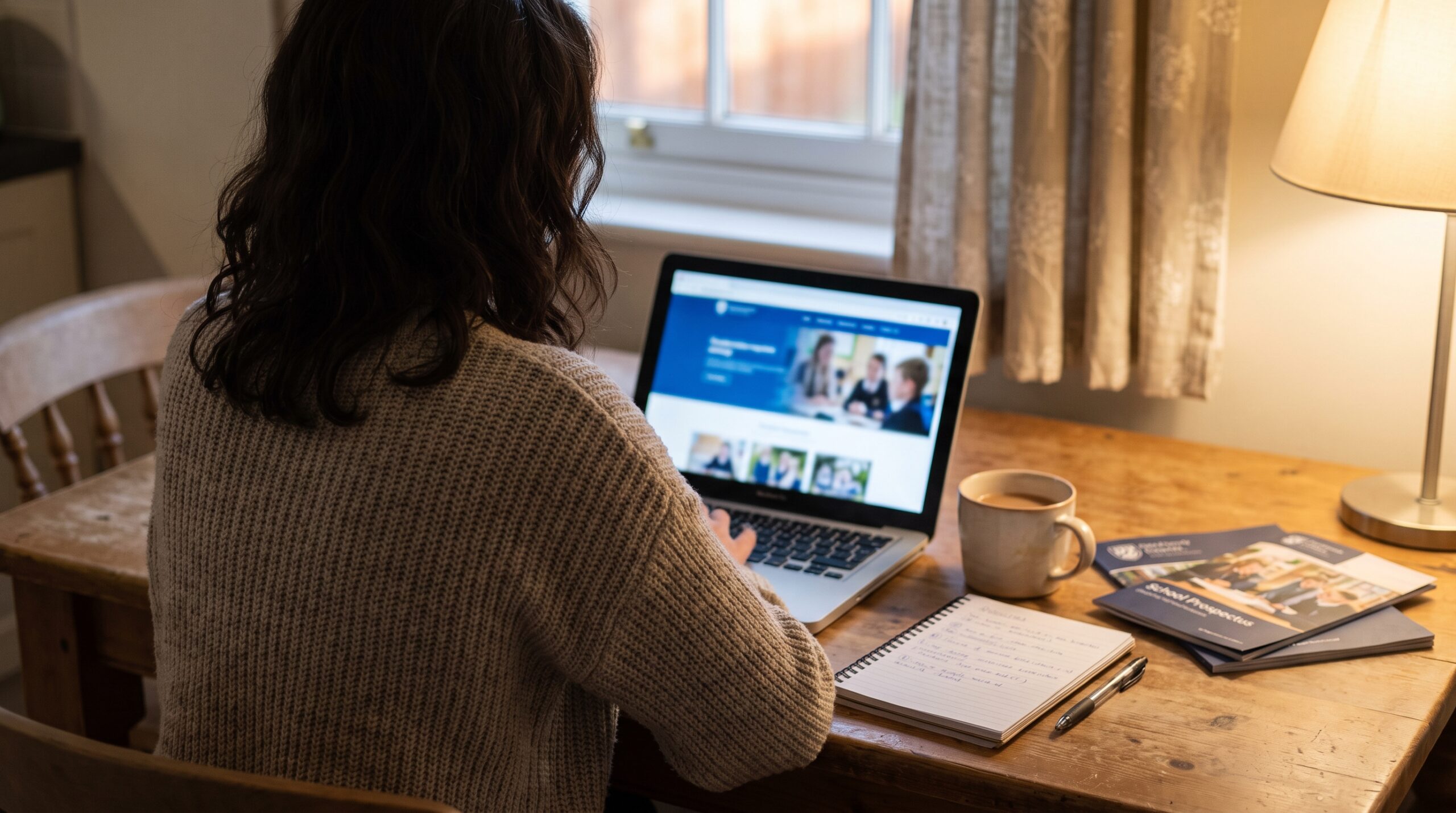
What parents look for in a school, and how your website answers it before they visit: culture, safeguarding, SEND support and clear practical information.
Ian Richardson
June 24, 2026
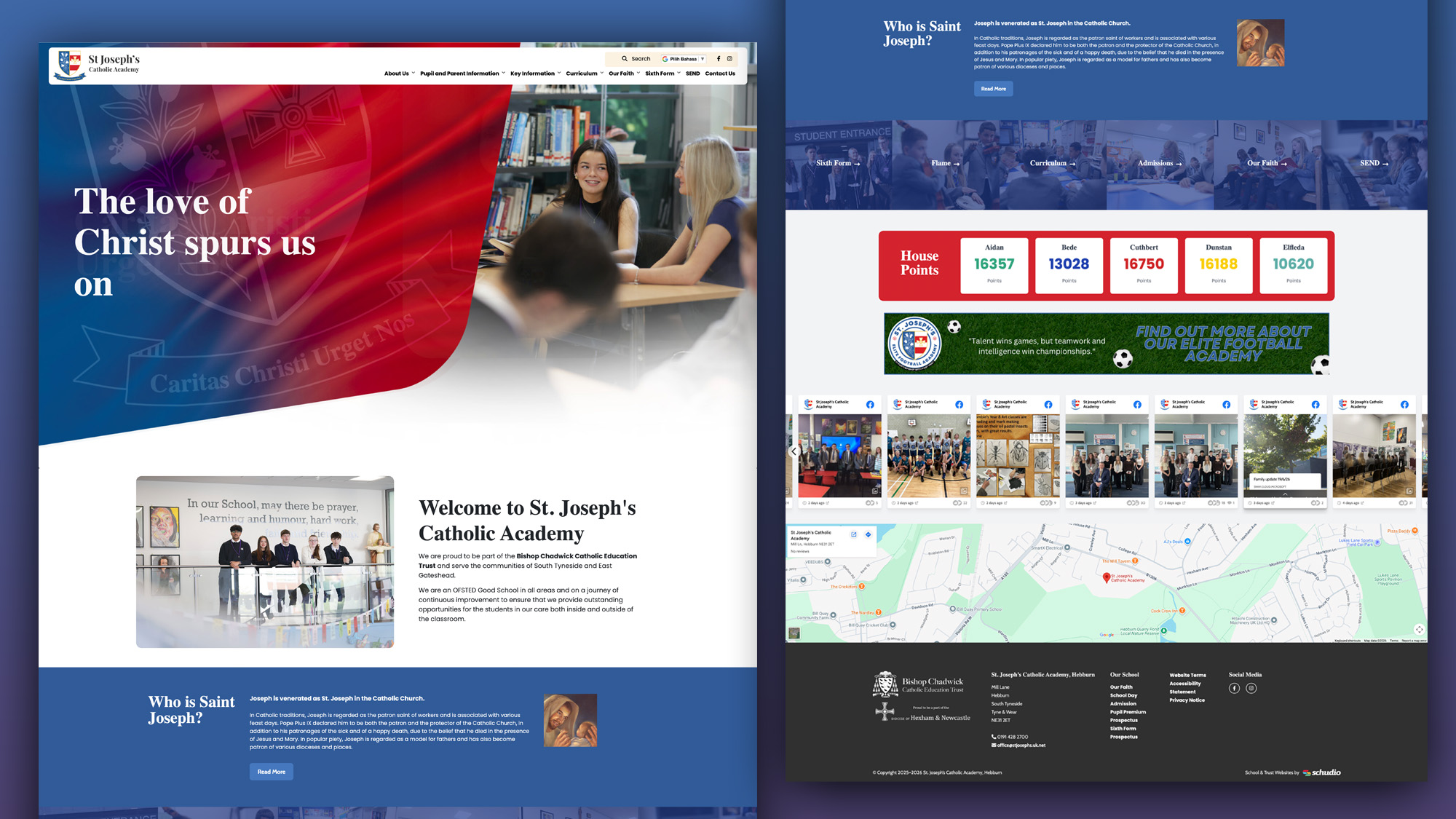
A school website says a lot before a parent reads a full page. Parents make ..
Luke Smith
June 24, 2026
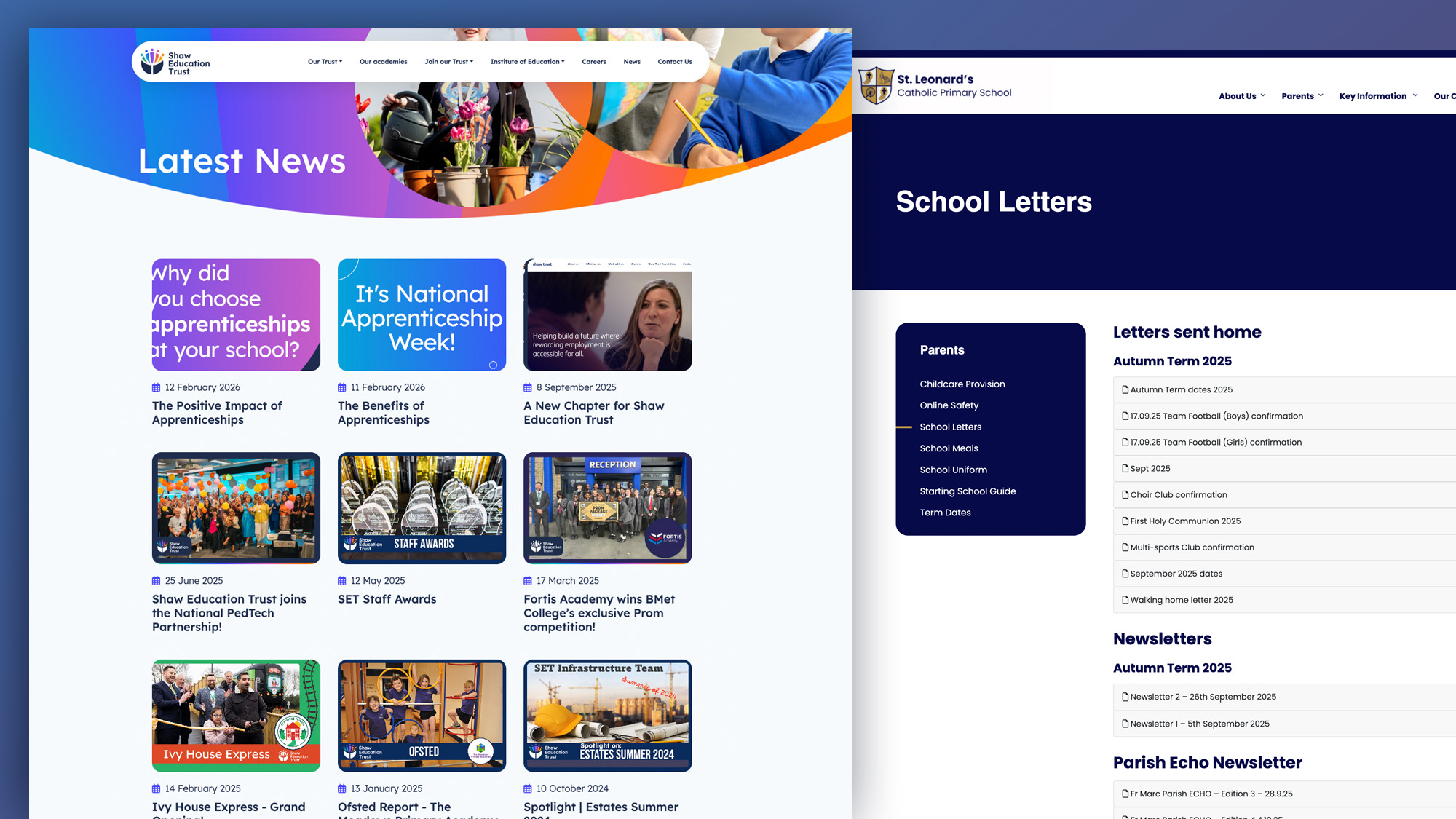
School website news is one of the easiest ways to show parents, pupils and prospective ..
Luke Smith
June 17, 2026
A school website newsletter is one of the simplest ways to keep parents informed, make ..
Luke Smith
June 8, 2026
Good school communication makes a real difference. It helps parents know what is happening. It ..

Luke Smith
May 13, 2026
School website pupil photos have always played an important role. They help prospective parents see ..