How to Refresh Your SEND Information Report for 2026
How to Refresh Your SEND Information Report for 2026
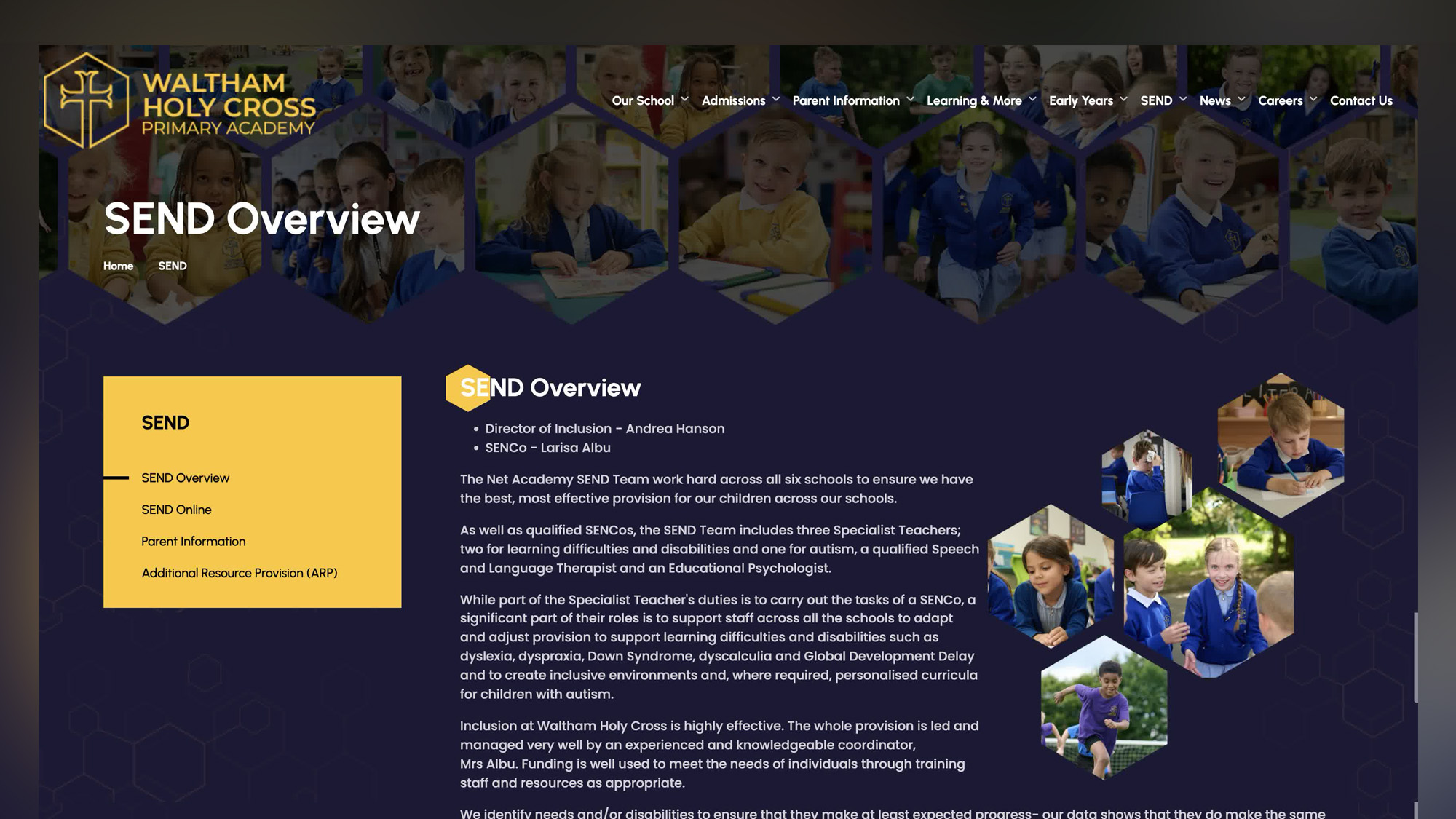
Every school must publish a SEND information report on its website, and this sits alongside a wider set of statutory school website requirements that schools need to keep accurate, accessible and up to date.
You may see this described in statutory guidance as an SEN information report, but many schools, local authority teams, parents and carers now use the phrase SEND information report. For SEO and clarity, it is sensible to use both phrases on your website.
The report should be updated annually. Any changes during the year should be updated as soon as possible, so the information report stays accurate, useful and compliant.
For 2026, this is a good moment for schools to review the report properly.
A SEND information report is more than a statutory document. It is one of the key information pages parents and carers may look at when they are worried, comparing schools, asking for extra support, or trying to understand how your provision works.
Done well, it can help families understand:
- who to contact
- how children are supported
- what SEND provision is available
- how pupils are involved
- how parents and carers can raise concerns
- how the school works with the local authority and Local Offer
- how disabled pupils access the curriculum, facilities and school life
For maintained schools, maintained nursery schools and academy schools, this is a legal requirement linked to the Children and Families Act 2014, the Special Educational Needs and Disability Regulations 2014, and the SEND Code of Practice.
What is a SEND information report?
A SEND information report explains how a school identifies, assesses and supports children and young people with special educational needs and disabilities.
It should set out how the school’s SEN policy is put into practice. It should help parents understand the support offered, the provision available, and how children’s individual needs are identified and reviewed.
The report should be practical and parent-friendly. It should answer the real questions families ask, such as:
- What should I do if I think my child has special educational needs?
- Who is the SENDCo?
- How do I contact the school?
- What extra support might be available?
- How will my child’s progress be reviewed?
- How will my child be involved?
- How will parents and carers be kept informed?
- What happens if I disagree with the support provided?
- Where is the local authority Local Offer?
- How does the school support disabled pupils?
The SEND information report forms part of the Local Offer, which was introduced through the Children and Families Act 2014. The Local Offer brings together information about education, health and care services for children and young people with SEND in the local area.
SEND information report or SEN information report?
From an SEO point of view, use SEND information report as the main keyword.
From a statutory wording point of view, include SEN information report too.
The DfE guidance for maintained schools and academy schools uses “SEN information report”. It states that schools must publish one and keep it updated annually.
A simple way to handle this on your school website is to write:
Our SEND information report, referred to in statutory guidance as the SEN information report, explains how we identify and support pupils with special educational needs and disabilities.
That single sentence helps with parents, search engines and compliance.
What must schools publish?
Schools must publish detailed information about their provision for children with special educational needs and disabilities.
To comply with section 69 of the Children and Families Act 2014, the report must include the SEN information specified in Schedule 1 of the Special Educational Needs and Disability Regulations 2014. Statutory guidance is set out in paragraphs 6.79 to 6.82 of the SEND Code of Practice.
The report must include information about:
- the kinds of special educational needs for which provision is made
- policies for identifying children with SEND
- arrangements for assessing pupils’ needs
- how parents and carers are involved
- how children and young people are involved
- arrangements for reviewing progress
- the approach to teaching pupils with SEND
- how adaptations are made to the curriculum and learning environment
- additional support for learning
- activities that are available to pupils with SEND
- extra pastoral support arrangements
- how staff are trained
- how specialist services are involved
- equipment and facilities
- support for transition
- how complaints are handled
- links to the Local Offer
Schools must publish additional information about disabled pupils, including:
- arrangements for the admission of disabled pupils
- steps taken to prevent disabled pupils from being treated less favourably than other pupils
- facilities provided to help disabled pupils access the school
- the accessibility plan prepared under the Equality Act 2010
The accessibility plan should explain how the school will:
- increase access to the curriculum
- improve the physical environment
- improve access to information for disabled pupils
Mainstream academy schools must publish the name and contact details of the special educational needs co-ordinator in the SEN information report.
Who is responsible for the report?
The governing body of maintained schools and maintained nursery schools, plus the proprietors of academy schools, must publish information about how they implement their policy for pupils with SEN.
In practice, this usually means the SENDCo will lead the content, with input from senior leaders, school staff, support staff, governors, parents, carers, pupils and wider services.
The report should reflect current practice. It should not be copied from an old template without checking whether the support offered is still accurate.
Why refresh your SEND information report for 2026?
A report can become outdated quickly.
Staff change. Contact details change. Local authority links change. SEND provision develops. Curriculum access arrangements may improve. New support may be introduced. Complaints information may move. The Local Offer link may break.
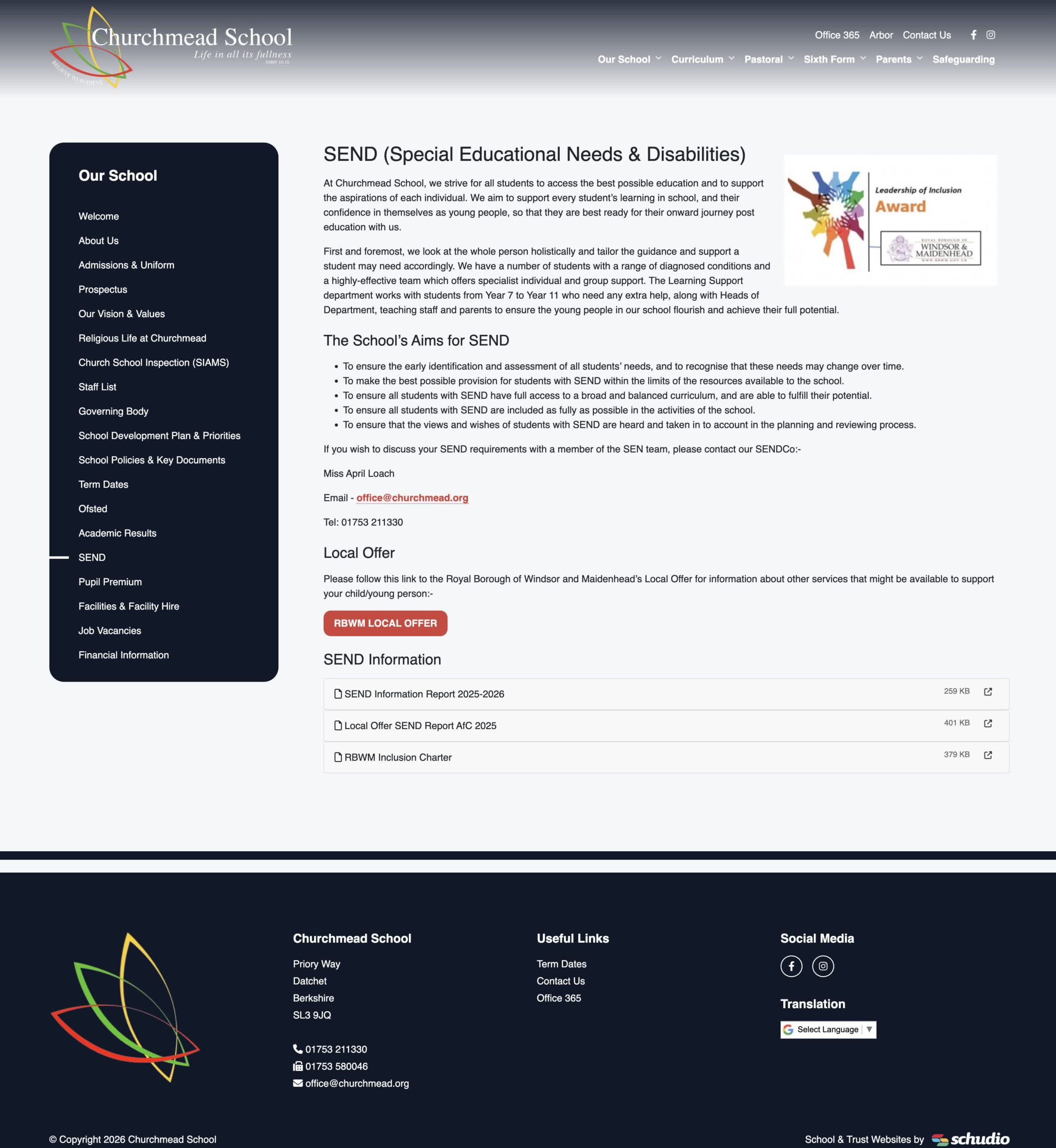
A 2026 review gives schools a chance to check the legal requirements and improve the experience for parents.
A strong SEND information report should:
- be easy to find
- be written in plain language
- include current contact details
- link to the Local Offer
- explain SEND provision clearly
- show how children and young people are involved
- explain how parents and carers are involved
- include complaints information
- link to the SEN policy and accessibility plan
- reflect reasonable adjustments
- show how the school supports inclusion
- include the date of review
- be updated annually
Start with a simple accuracy check
Begin your review by checking the basics.
Look at:
- SENDCo name
- SENDCo contact details
- senior leader responsible for SEND
- governor or committee responsibility
- school office details
- Local Offer link
- local authority links
- complaints policy link
- SEN policy link
- accessibility plan link
- admissions information
- review date
- publication date
- staff training details
- external services listed
- transition arrangements
- curriculum access information
This is the easiest part of the review, but it is one of the most useful.
A parent should never have to search across several pages to find out who to contact.
Make the report more useful for parents
Parents and carers do not read the report like a policy officer.
They read it to answer a question.
They may want to know whether their child will be understood. They may want to know what support children receive. They may need to request extra support. They may want to understand what happens before a formal assessment. They may need to know who to speak to when something is not working.
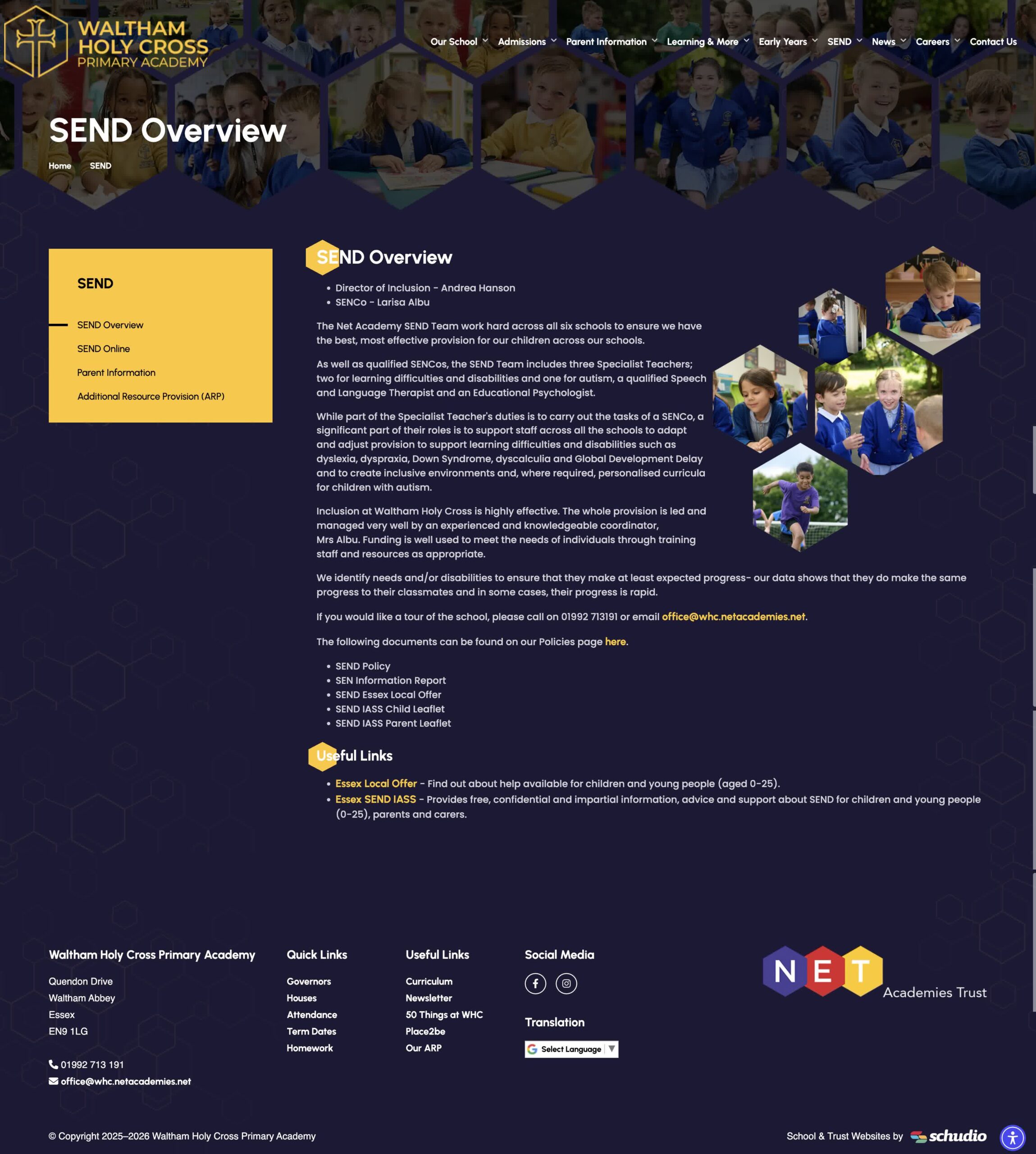
That means your SEND information report should be written with families in mind.
Use headings that match the questions parents ask:
- Who should I contact about SEND?
- What kinds of special educational needs do we support?
- How do we identify children who may need extra support?
- How do we assess pupils’ individual needs?
- How do we involve parents and carers?
- How do we involve children and young people?
- How do we adapt teaching?
- How do we support access to the curriculum?
- How do we support wellbeing and inclusion?
- How do we work with specialist services?
- How do we support transition?
- How do we handle complaints?
- Where can families find the Local Offer?
This makes the report easier to use and improves the quality of the website page.
If you want to look beyond the statutory content and improve the wider parent experience, we’ve written a separate guide on how to create the best school website SEN page. It includes practical ideas for making your SEND page clearer, warmer and more useful for families.
Use examples of real support offered
One common weakness in SEND information reports is vague wording.
For example:
We provide support for pupils with SEND.
That is true, but it does not help parents understand what happens.
A better example would be:
Class teachers work with the SENDCo to identify pupils who may need extra support. This may include classroom adaptations, targeted group work, individual support, pastoral support, reasonable adjustments, specialist advice, or referrals to external services.
This kind of language helps parents see the practice behind the policy.
You can give examples of support offered, such as:
- adapted classroom teaching
- visual prompts
- small group support
- extra pastoral support arrangements
- communication support
- sensory adjustments
- reading or maths interventions
- support for social development
- transition meetings
- pupil voice activities
- parent review meetings
- advice from health or education services
Keep the language clear. Avoid jargon where possible.
Explain how pupils are involved
The SEND Code of Practice places weight on involving parents, children and young people in decisions about support.
Your report should explain how pupils are involved in:
- discussing what helps them learn
- setting targets
- reviewing progress
- transition planning
- sharing views with school staff
- feeding back on support
For younger children and early years pupils, this may look different. Schools and early years education providers may need to explain how staff observe children, listen to parents, and use age-appropriate ways to understand the child’s needs.
Include the Local Offer clearly
Your SEND information report should link to the local authority Local Offer.
This link matters.
The Local Offer helps families find wider information about services, support, education, health, care, activities and advice in the local area.
Make the link visible. Do not bury it at the bottom of a PDF.
A useful section could say:
Our local authority publishes a Local Offer, which gives families information about services and support for children and young people with SEND in the local area. You can access the Local Offer here.
Then add the link.
Check the link every time you review the report.
Make complaints information clear
Schools must publish details of arrangements for handling complaints from parents and carers about the support provided for pupils with special educational needs. This must be included as part of the SEN information report.
This section should be calm and clear.
Parents should know:
- who to speak to first
- how concerns are recorded
- how the school responds
- where to find the complaints policy
- how to escalate a concern
Example wording:
We encourage parents and carers to speak to us as early as possible if they have a concern about SEND support. In the first instance, please contact your child’s class teacher or the SENDCo. If the concern is not resolved, our complaints policy explains the next steps.
Link the report to other SEND policies
Your SEND information report should connect with wider SEND policies and statutory content.
Useful links include:
- SEN policy
- SEND policies
- Accessibility Plan
- Admissions information
- Equality information and objectives
- Complaints policy
- Behaviour policy
- Safeguarding information
- Curriculum pages
- Local Offer
- Contact page
These links help parents, carers, governors, trustees and inspectors move through the key information without hunting around the website.
Make the report easy to read on your website
A PDF alone is rarely the best option.
A long document can be hard to read on a phone. It can be hard to search. It can feel less welcoming than a proper webpage.
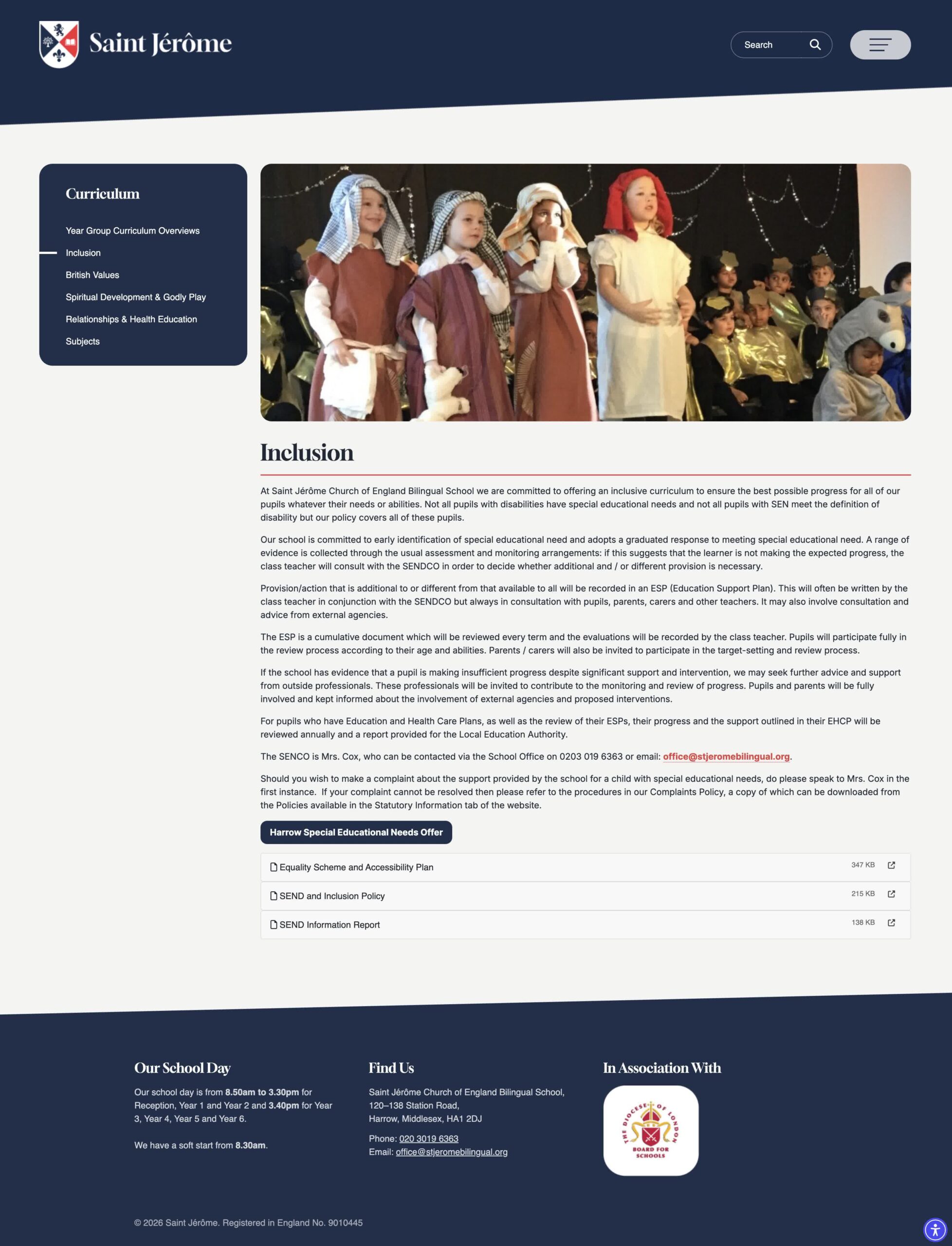
A better approach is to publish the SEND information report as a clear webpage, with a downloadable document available where useful.
Use:
- short sections
- clear headings
- simple language
- quick links at the top
- visible contact details
- working links
- a clear review date
- a short summary at the top
- a clear call to action for parents
For example, near the top of the page:
If you have a question about SEND support, please contact our SENDCo, Mrs Smith, through the school office.
That one sentence can make the whole page feel more helpful.
Use a standard format for 2026
For 2026, we recommend a simple structure:
- Concise title
- Short executive summary
- SENDCo contact details
- Key findings from the annual review
- Main SEND information report sections
- Links to the Local Offer, SEN policy and accessibility plan
- Complaints information
- Clear next steps for parents and carers
- Review date and update date
This format helps the report work for different audiences.
Parents need clarity. School leaders may need assurance. Governors may need evidence of compliance. Trust leaders may need consistency across multiple schools. Managers may need operational detail. Executives may want to understand the strategic impact, such as stronger inclusion, clearer parent communication and reduced compliance risk.
For MATs: keep communication consistent
For Multi-Academy Trusts, the SEND information report review can be managed across all schools using a shared format.
That does not mean every school should publish identical content. Each report should reflect the provision, support staff, facilities and local context of that school.
A trust-wide process can still help by creating:
- a shared annual review date
- a common checklist
- a central log of report updates
- a place to record feedback from parents and carers
- a standard approach to Local Offer links
- shared guidance on language and accessibility
- a simple visual summary for leaders or committees
- a clear process for updating in-year changes
A personal cover note can be useful when sending the report to leaders, governors or trustees. It can highlight the specific actions needed, such as checking contact details, reviewing complaints wording, approving accessibility information, or confirming that the report reflects current provision.
You can close the feedback loop by showing how previous stakeholder input has shaped the updated report. For example:
You said parents wanted clearer contact routes, so the 2026 report now includes SENDCo contact details at the top of the page and a clearer section on what to do if concerns arise.
That kind of communication shows that feedback has been heard and acted upon.
Common mistakes to avoid
When reviewing SEND information reports, we often see the same issues:
- no clear SEND information report
- outdated SEN information report
- missing review date
- no update date
- missing SENDCo contact details
- broken Local Offer links
- no complaints section
- missing accessibility plan link
- unclear access arrangements
- no explanation of reasonable adjustments
- vague support information
- no examples of SEND provision
- no mention of how pupils are involved
- no clear explanation of parent involvement
- PDF-only report
- page hidden too deep in the website
- confusing language
- old staff names
- missing links to SEND policies
Most of these issues are easy to fix.
The best practice approach is to check the statutory content, then review the report from a parent’s point of view.
2026 SEND information report checklist
Use this checklist when reviewing your report:
- Is the SEND information report published on the website?
- Does the page include the phrase SEN information report?
- Has the report been updated annually?
- Is the review date clear?
- Is the latest update date clear?
- Are SENDCo contact details correct?
- Does the report explain the kinds of special educational needs supported?
- Does it explain how children are identified as needing extra support?
- Does it explain how pupils’ needs are assessed?
- Does it explain how parents and carers are involved?
- Does it explain how children and young people are involved?
- Does it explain how progress is reviewed?
- Does it explain how teaching is adapted?
- Does it explain support for access to the curriculum?
- Does it include extra pastoral support arrangements?
- Does it describe staff training and expertise?
- Does it explain how specialist services are involved?
- Does it explain facilities and equipment?
- Does it include transition support?
- Does it explain complaints arrangements?
- Does it link to the Local Offer?
- Does it link to the SEN policy?
- Does it link to the accessibility plan?
- Does it cover disabled pupil admissions?
- Does it explain steps taken to prevent disabled pupils being treated less favourably?
- Does it explain facilities provided to help disabled pupils access school?
- Is the language clear?
- Are all links working?
- Is the page easy to read on a mobile phone?
Final thought
A SEND information report should meet the legal requirements, but it should do more than that.
It should help parents and carers understand how your school will support children and young people with special educational needs and disabilities.
It should make contact details easy to find. It should explain provision clearly. It should link to the Local Offer. It should show how pupils are involved. It should reflect current practice. It should give families confidence that support is thoughtful, practical and reviewed properly.
Refreshing your SEND information report for 2026 is a chance to improve compliance, communication and trust.
Start with the statutory requirements. Then make the page clear, useful and human.

Related Posts

Ian Richardson
August 25, 2026
The school website mistakes we find most often in compliance audits, what the rules actually say, and a practical checklist for fixing each one this term.
Ian Richardson
August 17, 2026
Only 6.5% of school websites we audited were fully compliant. A school website compliance checklist plus the year-round routine that keeps you always ready.
Ian Richardson
August 10, 2026
Only 6.5% of school websites we audited in 2025 were fully compliant. What our data shows, what changed for September 2026, and how to stay always ready.
Ian Richardson
July 14, 2026
Publishing an allergy safety policy on your school website became a legal duty on 1 September 2026. What the law now requires, and what that date really means.
Ian Richardson
July 9, 2026
Your school website is the public front door to your school. It is where ..

Ian Richardson
June 1, 2026
School website policies are one of the most important parts of a school website, but ..